


Startups move fast, and branding usually has to keep up. A founder might need a logo for a landing page today, social media tomorrow, and investor materials by next week. That is why free logo makers remain so appealing.
They promise speed, low upfront cost, and enough polish to help a new business look credible from day one. The catch is that not every free tool helps a startup in the same way. Some are great for quick experimentation. Others are better for building a logo into a full brand system. A few offer strong exports and customization, while others are better suited for lightweight use only.
To find the best free logo makers for startups in 2026, we compared nine tools using the same three startup prompts and the same evaluation criteria. We looked at template variety, customization, ease of use, free tier value, export flexibility, branding extras, and overall startup readiness.
Quick Verdict
- Best overall: Design.com - combines strong logo quality with flexible exports, AI editing, and a broader branding toolkit
- Best for fast setup: BrandCrowd - generate polished logo options quickly and move from idea to shortlist with minimal friction.
- Best for lightweight experimentation: Canva - gives founders a simple way to test visual directions
What We Tested and How
To make the comparison fair, every tool was reviewed using the same three startup-style prompts.
Same-prompt testing framework
- Gaming startup prompt
“Create a bold, modern logo for a gaming startup called PixelForge Players. Make it energetic, memorable, and scalable.” - Real estate startup prompt
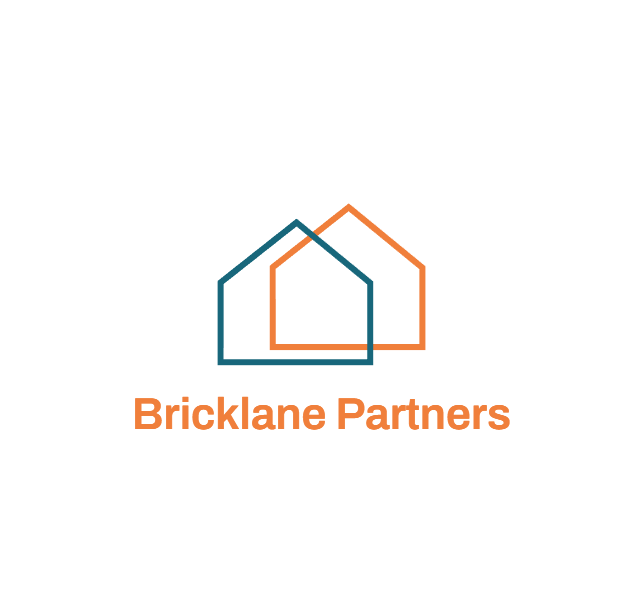
“Create a professional logo for a real estate startup called Bricklane Partners. Make it trustworthy, modern, and premium.” - Salon startup prompt
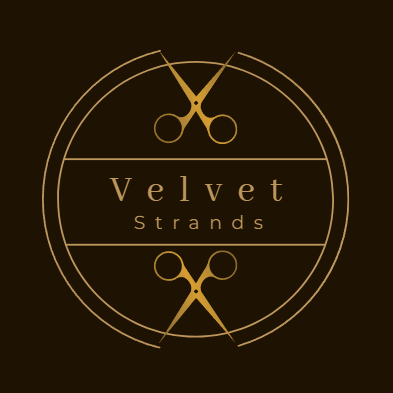
“Create an elegant logo for a salon startup called Velvet Strand Salon. Make it stylish, polished, and easy to use across social media and signage.”
Evaluation criteria
Each tool was assessed on:
- Template variety
- Ease of use
- Customization
- Free tier value
- Export formats
- Branding extras
- Output quality
- Startup readiness
How the ratings work
Scores use a 5-point scale, where 5 means excellent and 1 means limited. The goal was not just to find the prettiest logo generator. It was to identify which tool gives startups the best mix of speed, flexibility, and long-term usefulness.
Full Comparison Table
|
Tool |
Best For |
Free Tier |
Ease of Use |
Customization |
Export Formats |
Brand Extras |
Overall |
|
Design.com |
All-around startup branding |
4.8/5 |
5/5 |
5/5 |
5/5 |
5/5 |
4.9/5 |
|
BrandCrowd |
Fast setup with creative range |
4.8/5 |
5/5 |
5/5 |
5/5 |
5/5 |
4.9/5 |
|
QuillBot Logo Templates |
Content-first founders |
5/5 |
5/5 |
3.5/5 |
2/5 |
2/5 |
4.2/5 |
|
Canva Logo Maker |
Simple brand assets |
4/5 |
4.9/5 |
4.5/5 |
4.5/5 |
4.7/5 |
4.5/5 |
|
Wix Logo Maker |
Website + logo workflow |
4/5 |
4.5/5 |
4.3/5 |
4/5 |
4.5/5 |
4.3/5 |
|
Shopify Logo Maker |
Fast ecommerce launches |
4/5 |
4.7/5 |
3.6/5 |
3.5/5 |
3.9/5 |
4.1/5 |
|
Adobe Express Logo Maker |
Lightweight experimentation |
4.1/5 |
4.7/5 |
3.8/5 |
3.9/5 |
4.4/5 |
4.2/5 |
|
Logo.com |
Fast AI-assisted creation |
4/5 |
4.4/5 |
3.8/5 |
3.9/5 |
4/5 |
4.0/5 |
|
Turbologo |
Quick concept testing |
3.8/5 |
4.3/5 |
3.7/5 |
3.8/5 |
3.5/5 |
3.9/5 |
|
Freepik Logo Maker |
Creative asset exploration |
3.9/5 |
4.3/5 |
3.9/5 |
3.8/5 |
4.1/5 |
4.0/5 |
1. Design.com
Star rating: 4.9/5
Price: Free options available, with paid plans including Starter, Value, and Premium tiers
Best for: Startups that want a logo and a scalable brand system
Verdict: The strongest overall platform for founders who need more than a logo
Design.com takes the top spot because it does not stop at its logo maker. It is built for founders who want to create a logo, then carry that look into their AI website builder, business cards, social posts, presentations, flyers, and more. The platform’s feature set is especially strong for startup teams because it combines a very large logo library, broad template coverage, AI-assisted editing, and file format flexibility.
Design.com offers more than 400K logo templates, over 1 million total design templates, AI tools across logos and adjacent branding tasks, and export options that include SVG, EPS, PDF, PNG, JPG, GIF, and MP4.
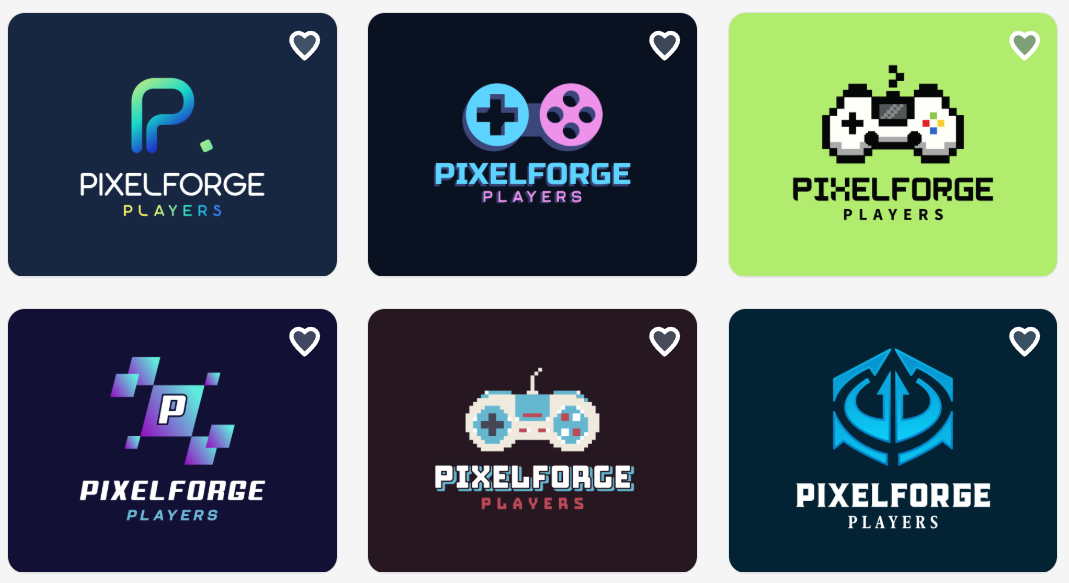
These are the logos we generated using our prompts:
Gaming
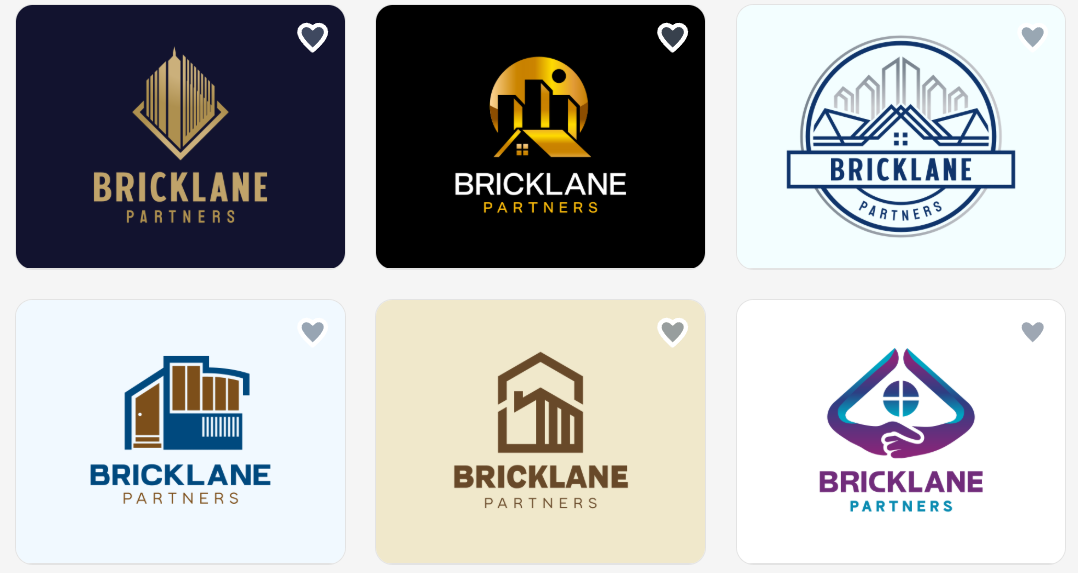
Real Estate
Salon
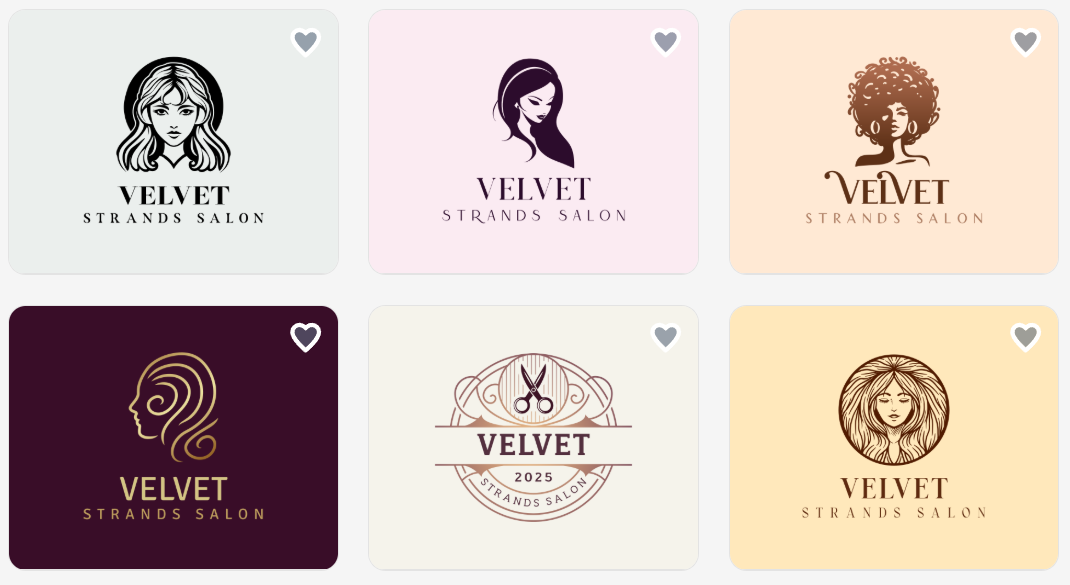
For each industry, we got more than 9,000 logo designs to choose from within seconds . And as you can see, each delivered polished, well-structured logos that could be downloaded immediately if you’re happy with it.
What makes Design.com the top logo maker
- Extensive logo and design template library
- Strong AI editing for icon and text changes
- Excellent export support including vector and animated formats
- Helpful brand extras such as business cards, websites, presentations, and print assets
- Commercially safe positioning and extended license options
- Strong startup value because one logo can extend into a broader brand toolkit
Free tier note: Design.com offers free logos and access to free publishing tools such as a website builder, link in bio creator, and digital business card maker, with premium access needed for some advanced design downloads.
Customization note: This is one of the stronger options for startups that expect to refine, reuse, and expand their visual identity over time.
2. BrandCrowd
Star rating: 4.8/5
Price: Free options available, with paid Starter, Value, and Premium tiers
Best for: Founders who want fast setup and plenty of visual directions
Verdict: A polished, fast-moving logo platform with deep creative range
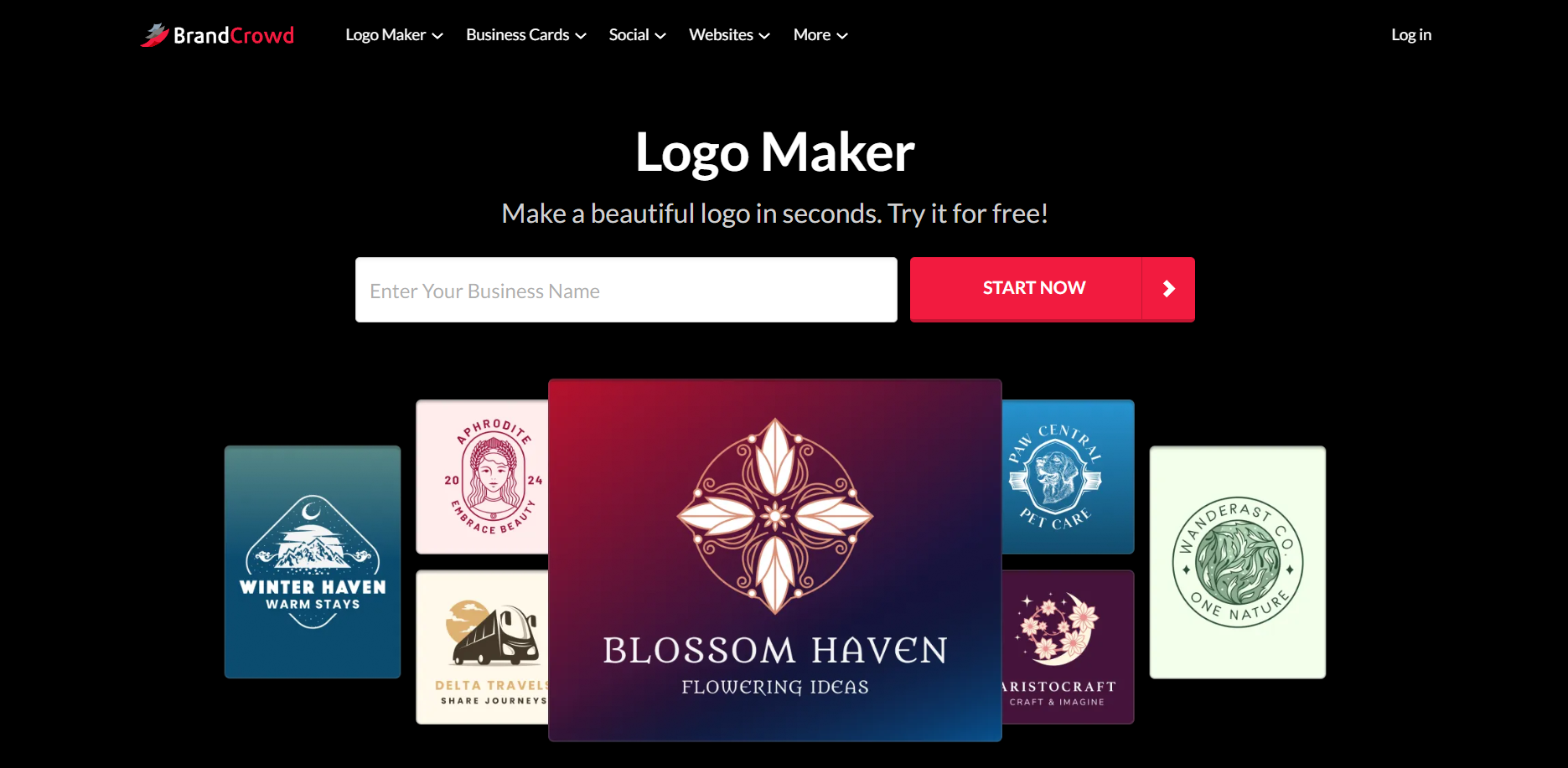
BrandCrowd earns second place because it is easy to move from prompt to usable logo design quickly. For startup founders who want speed without sacrificing creative breadth, it is a compelling option. It offers more than 380K logo templates, over 1 million total design templates, AI-based logo editing, broad export options, and a large set of supporting design tools.
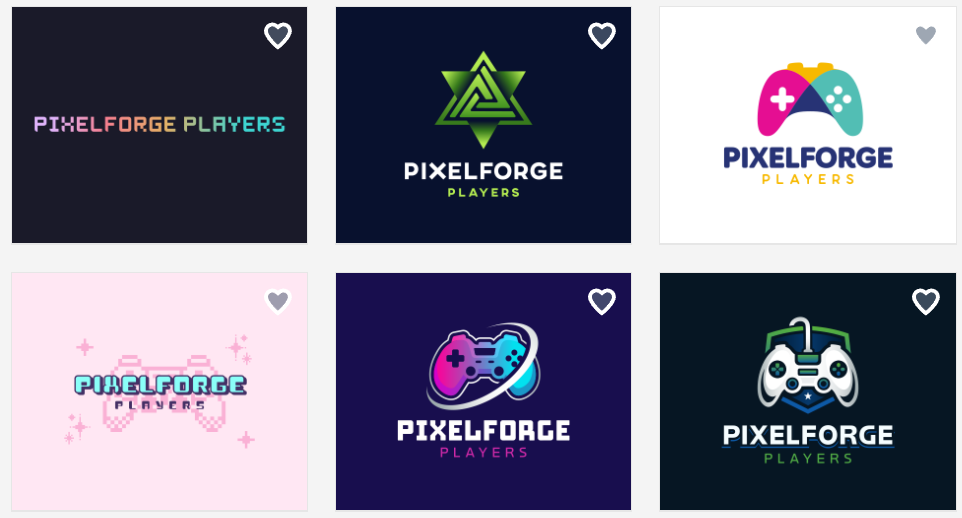
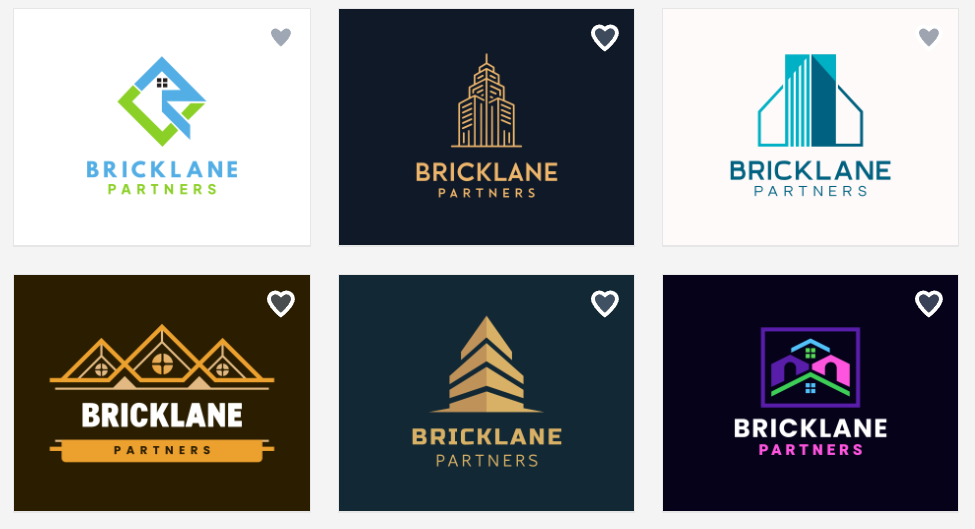
Check out the logos we generated:
Gaming:
Real Estate:
Salon:
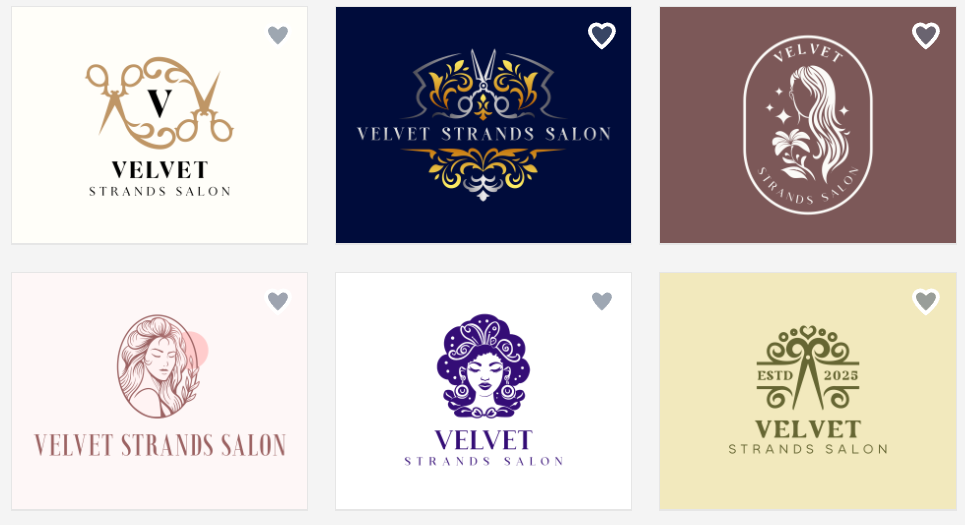
Similar to Design.com, BrandCrowd is easy to use, commercially safe, and well suited for many industries, which makes it a strong fit for early-stage businesses that need something polished without a steep learning curve.
Why we were impressed with BrandCrowd
- Large template library with strong range across industries
- Fast setup from concept to editable result
- AI editing for both icon and logo text
- Good selection of vector, raster, and animated export formats
- Helpful brand extensions including websites, business cards, QR codes, and social assets
- Useful for founders who want to shortlist options and gather feedback
- Strong overall usability for quick startup branding
- Broad language and currency support
Free tier note: Like Design.com, BrandCrowd offers free logos and related free publishing tools, while premium access unlocks broader download use across design tools.
Customization note: A strong option for fast editing and concept iteration, especially for founders narrowing down multiple visual directions.
3. QuillBot Logo Templates
Star rating: 4.2/5
Price: Free to use, with QuillBot Premium covering its wider tool suite
Best for: Founders who are already writing and creating content inside QuillBot
Verdict: A genuinely free, watermark-free template editor that fits content-first teams
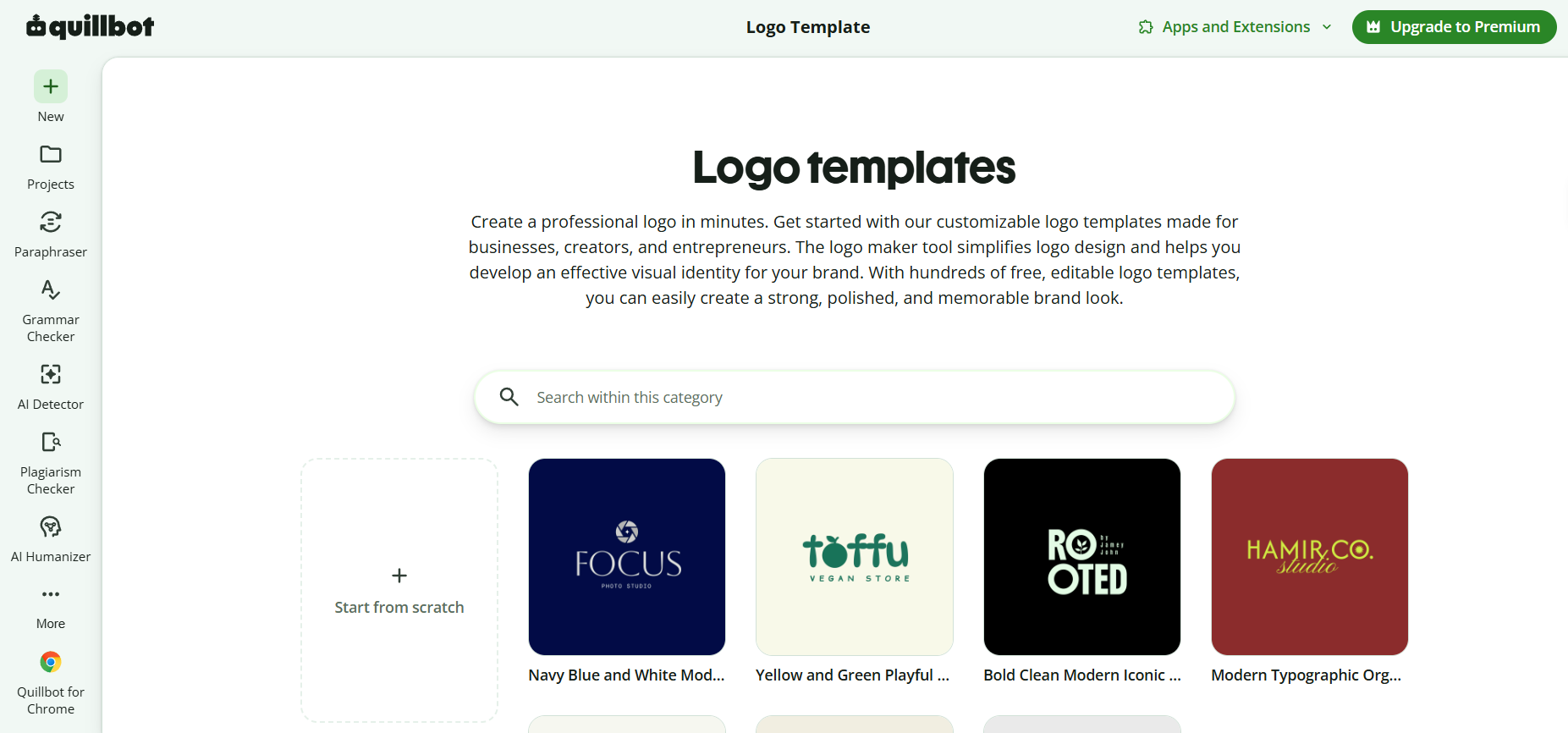
QuillBot Logo Templates takes a different route from most tools on this list. Instead of generating options from a prompt, it hands you hundreds of editable templates across five logo styles (wordmark, lettermark, brandmark, abstract, and mascot) and lets you adjust colors, fonts, layout, and visuals until the mark feels like yours. That makes it less of a concept generator and more of a hands-on editor, which suits founders who already have a rough direction in mind.
We rebuilt each of our three test brands using its templates:
Gaming:
Real Estate:
Salon:
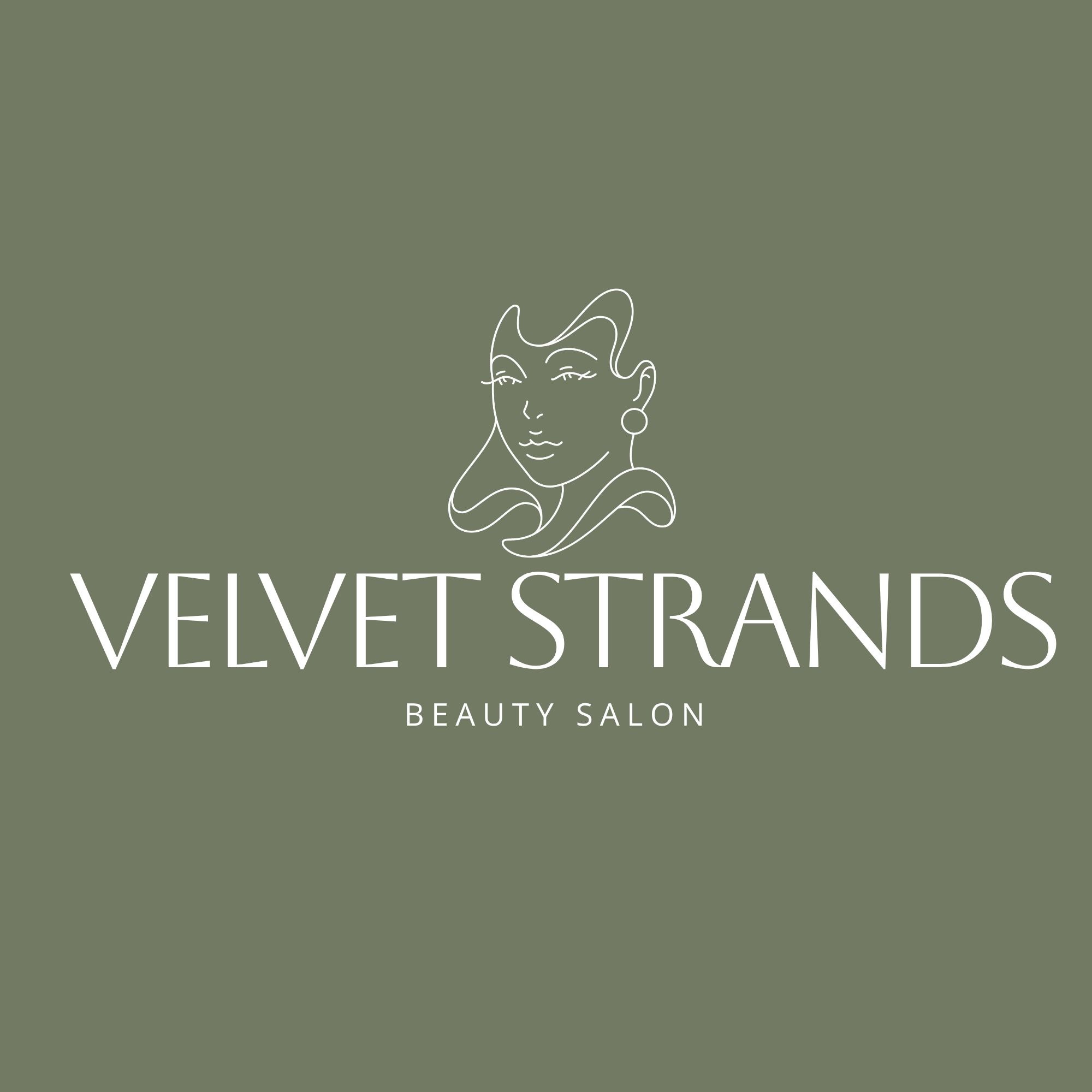
The appeal here is practicality rather than range. It is free, it downloads without a watermark, and it needs no design experience, which is rare at this price point. The catch is export: QuillBot outputs PNG only, so anything vector or print-ready means running the file through a separate converter. For a founder who lives in QuillBot for paraphrasing, summarizing, and content work, having a logo editor in the same place is a real convenience. As a standalone branding hub it does not go as deep as Design.com or BrandCrowd
Why it made our list
- Hundreds of fully editable templates across five distinct logo styles
- Clean, watermark-free downloads even on the free tier
- No design experience needed, and it runs in-browser on both Mac and Windows
- A natural add-on for founders already using QuillBot for writing and content
Free tier note: Fully free, including watermark-free downloads.
Customization note: Strong for editing templates, but PNG-only export means you will need a con
4. Canva Logo Maker
Star rating: 4.4/5
Price: Free to use with optional paid upgrades
Best for: Founders already designing content in Canva
Verdict: The easiest choice for simple startup visuals and brand consistency across content
Canva Logo Maker works best for beginners and teams already using Canva for presentations, social posts, and marketing graphics. Its biggest strength is ease of use.
Here are the sample logos for our prompts:
Gaming:

Real Estate:

Salon:

The generator produced four logos at a time for each industry. It isn’t much of a selection, though there are a few that are worth considering, especially for the gaming industry. And you’ll notice that majority of the logos generated for the salon is misspelled.
The logo tool feels less like a dedicated logo workshop and more like a natural extension of a broader design workspace. That makes it especially practical for founders who want a good-enough logo and then need to immediately apply it across other assets, including campaigns like email marketing, where consistent branding plays a key role in engagement and recognition .
What makes Canva stand out
- Extremely easy to use
- Familiar interface for many startup teams
- Smooth path from logo to social and pitch materials
Free tier note: Good for trying ideas and building simple assets
Customization note: Best for lightweight edits rather than deep logo system work
5. Wix Logo Maker
Star rating: 4.3/5
Price: Free to try with paid download and brand options
Best for: Startups launching a website and logo at the same time
Verdict: A practical choice for website-first founders who want convenience
Wix Logo Maker is a sensible option for founders who see their logo as one piece of a website launch. Its value is in workflow convenience. If the next step after logo creation is building a site, Wix keeps that path simple.
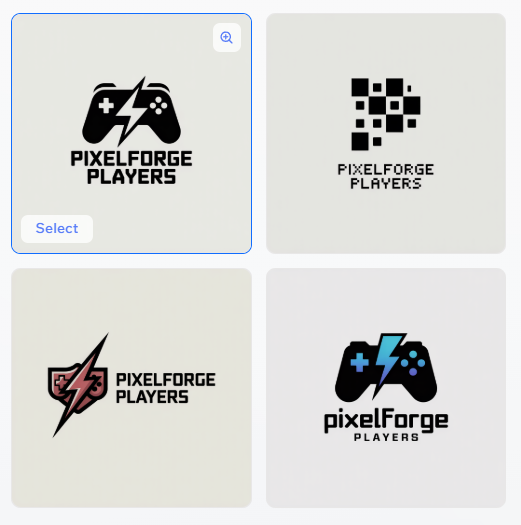
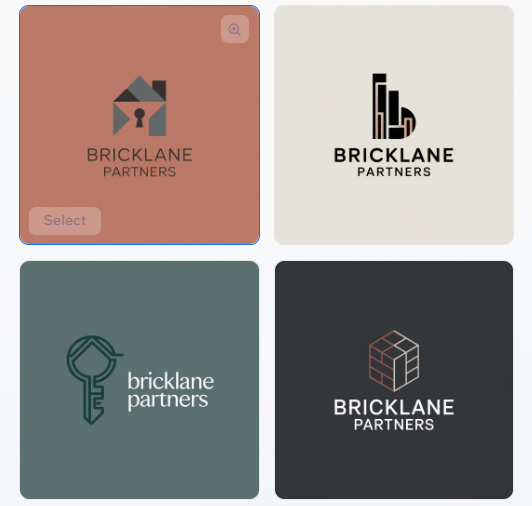
Here are the logos we generated:
Gaming:
Real Estate:
Salon:
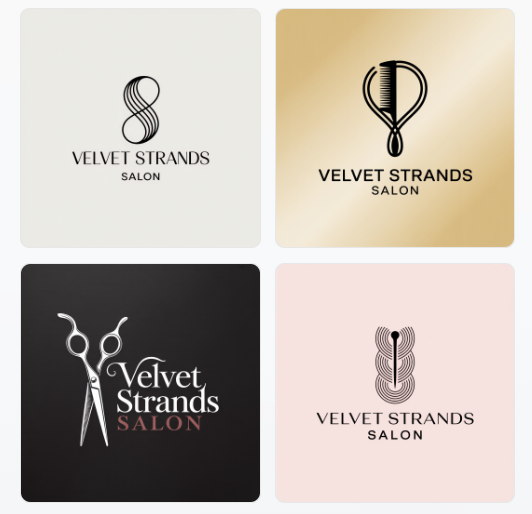
Like Canva, we got four concepts per industry. Unlike Canva, though, we got logo designs that are more unique
Why we liked Wix Logo Maker
- Good fit for website-first startups
- Easy onboarding flow
- Helpful for getting online quickly
Free tier note: Useful for previewing concepts before committing
Customization note: Enough for small business basics, but less robust for brand-heavy refinement
6. Shopify Logo Maker
Star rating: 4.1/5
Price: Free to use for basic creation
Best for: E-commerce founders who want speed
Verdict: A fast, accessible option for store owners who need a quick visual identity
Shopify Logo Maker is a natural fit for e-commerce startups that want to get a store moving quickly. It is fast, approachable, and good at clearing the first branding hurdle. The trade-off is that it offers less depth than the higher-ranked tools for founders who want a more distinctive or highly refined mark.
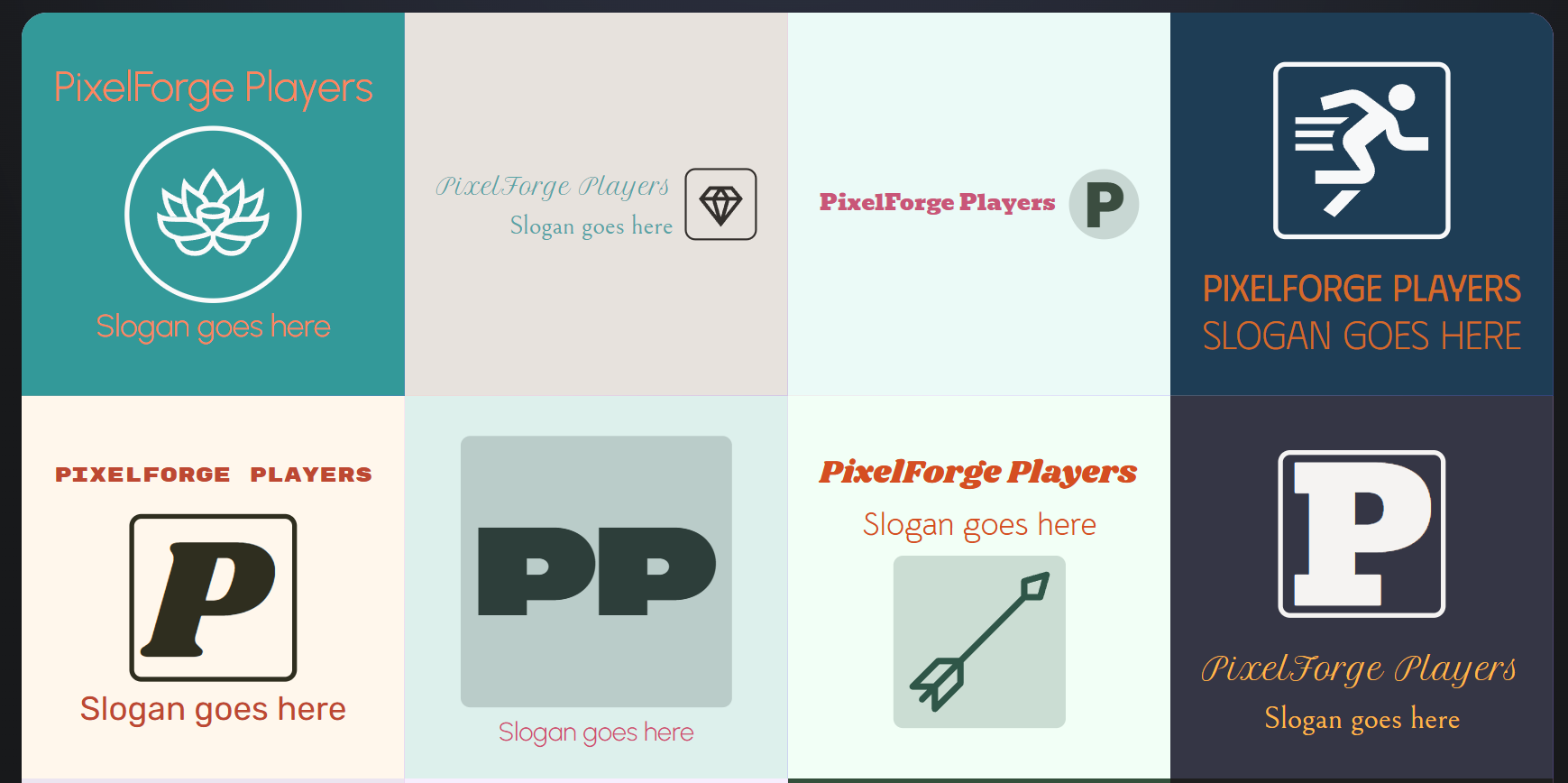
See what we mean here:
Gaming:
Real Estate:
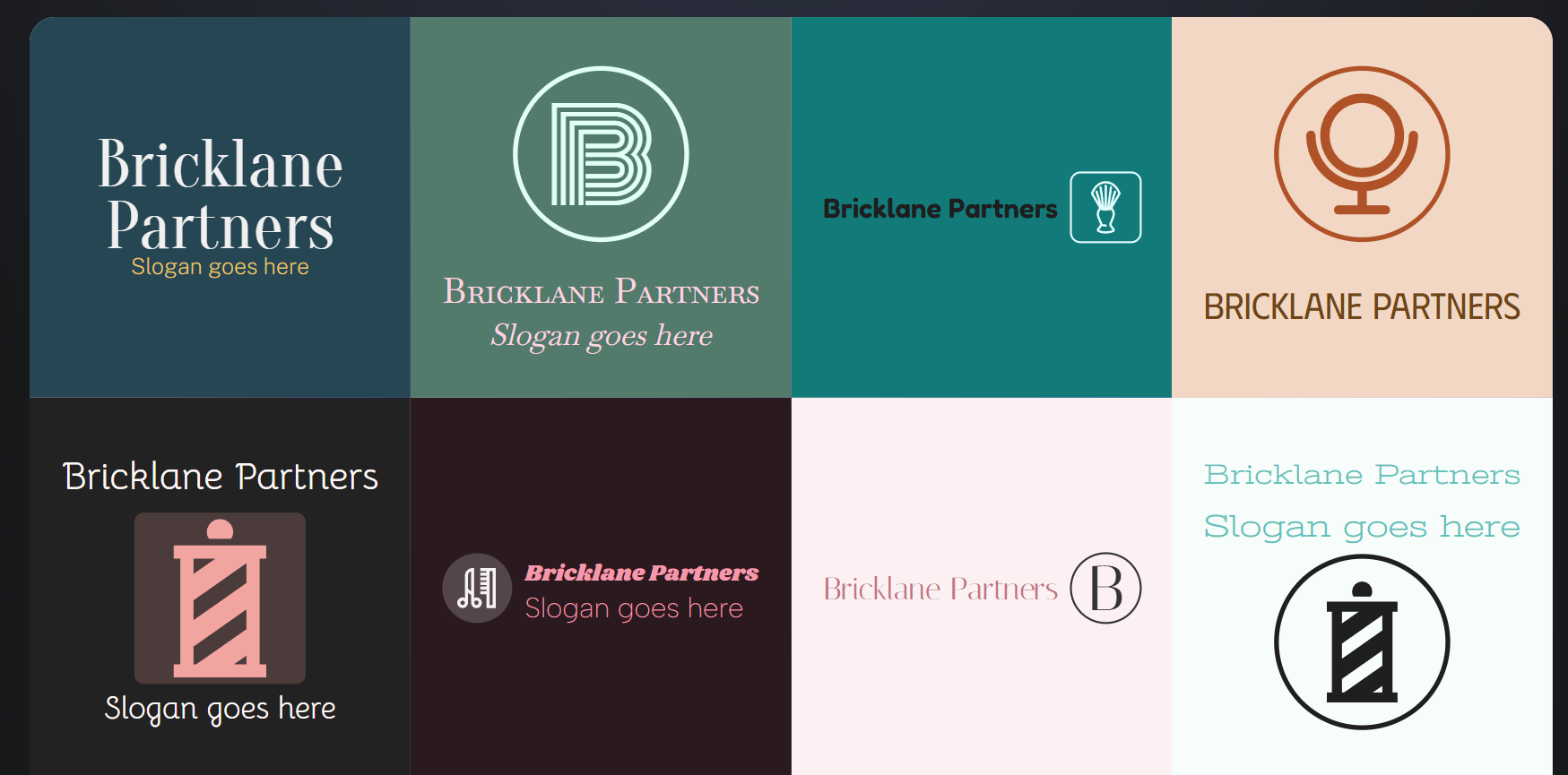
Salon:
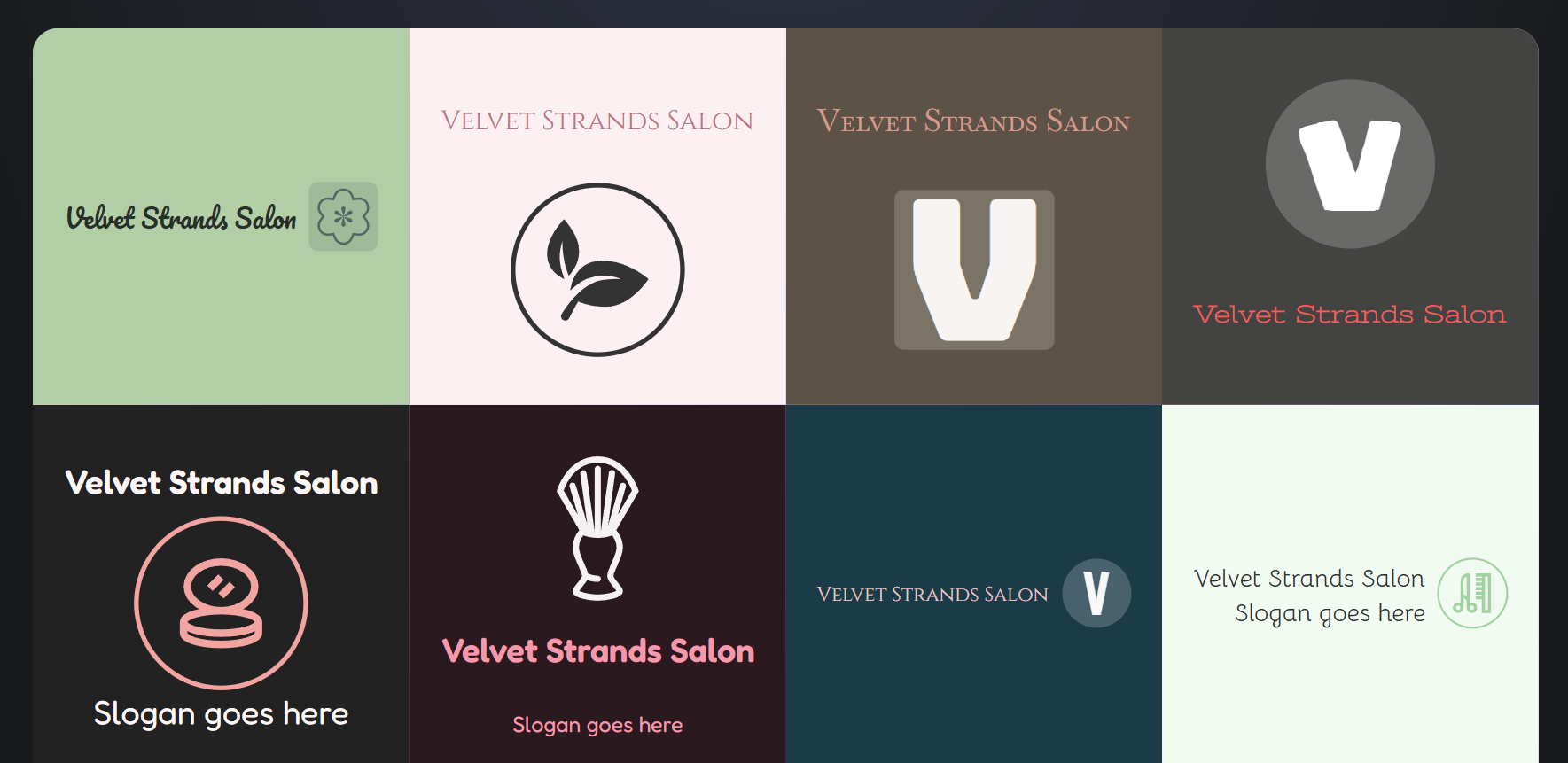
Clearly, the logo maker is more geared towards e-commerce brands. If you’re already working within the Shopify infrastructure, this might be good fit for you.
Why Shopify is perfect for e-commerce stores
- Fast and simple
- Strong fit for ecommerce use cases
- Low friction for beginners
Free tier note: Good for quick early-stage experimentation
Customization note: Best for straightforward needs rather than nuanced design exploration
7. Adobe Express Logo Maker
Star rating: 4.2/5
Price: Free to use with optional paid features
Best for: Lightweight experimentation and quick branded assets
Verdict: A useful low-friction option for startups testing ideas fast
Adobe Express Logo Maker earns its place because it is good at quick exploration. Founders can test directions, create simple branded visuals, and move from idea to asset without much setup. It is not the deepest logo platform in this list, but it is a practical tool for lightweight experimentation, especially when logo creation is one small part of a broader content task.
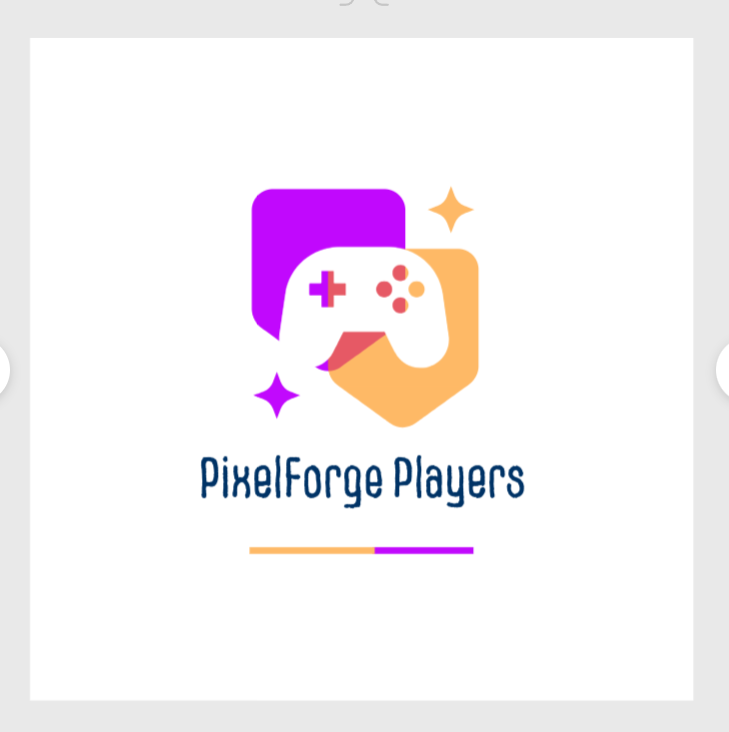
Here are logo samples from the site:
Gaming:
Real Estate
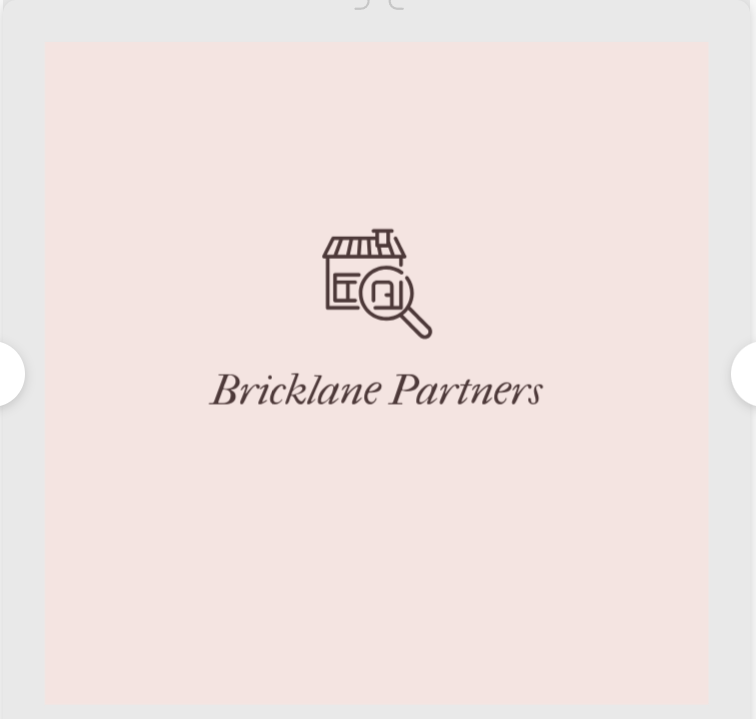
Salon:
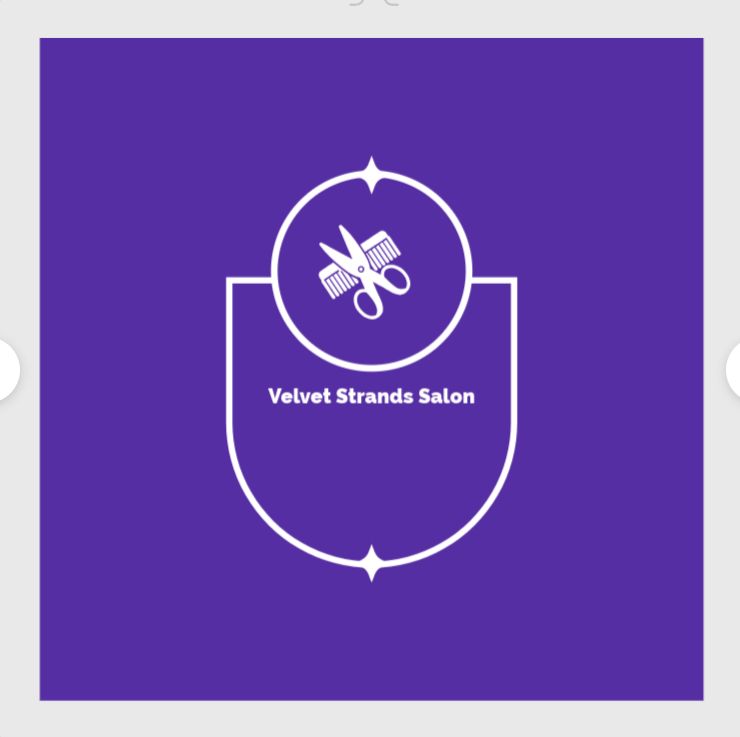
You won’t get a selection of logos that you can just scroll through. The process is that you pick an icon and their AI applies the icon to their logo templates. For people already familiar with the Adobe infrastructure, this isn’t a problem. For those who are still
Why Adobe users will love it
- Fast and beginner-friendly
- Good for testing simple directions
- Fits well into lightweight marketing workflows
Free tier note: Useful for trying concepts without much friction
Customization note: Better for quick edits than deep logo-building work
8. Logo.com
Star rating: 4.0/5
Price: Free to start with paid options depending on use
Best for: Founders who want AI-assisted logo creation quickly
Verdict: A solid option for getting from blank page to concept fast
Logo.com is most appealing when speed matters. It helps founders generate a starting point quickly and can be useful for teams that want to validate a brand direction before investing more time.
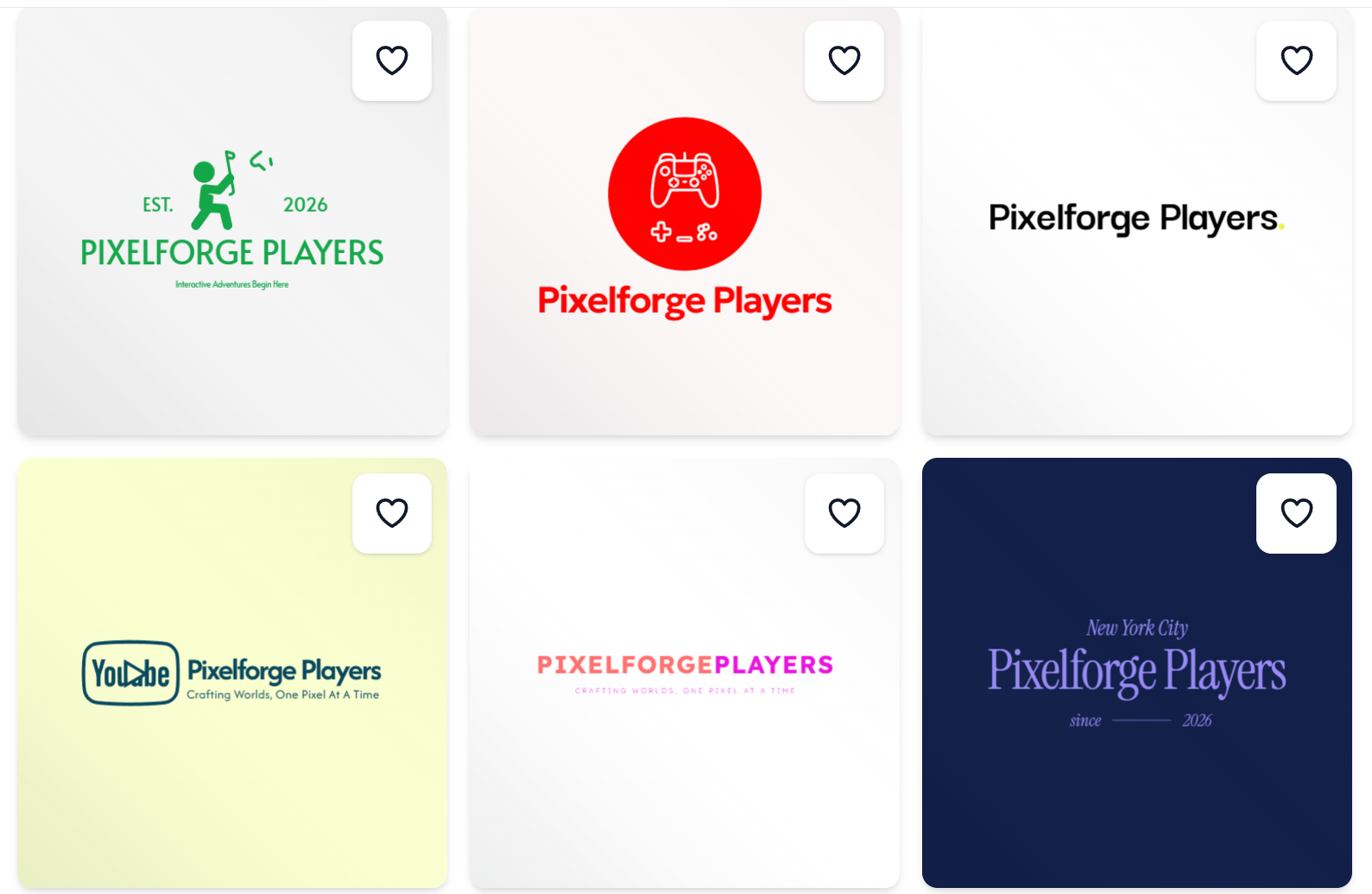
For our gaming brand, these are the logos we got:
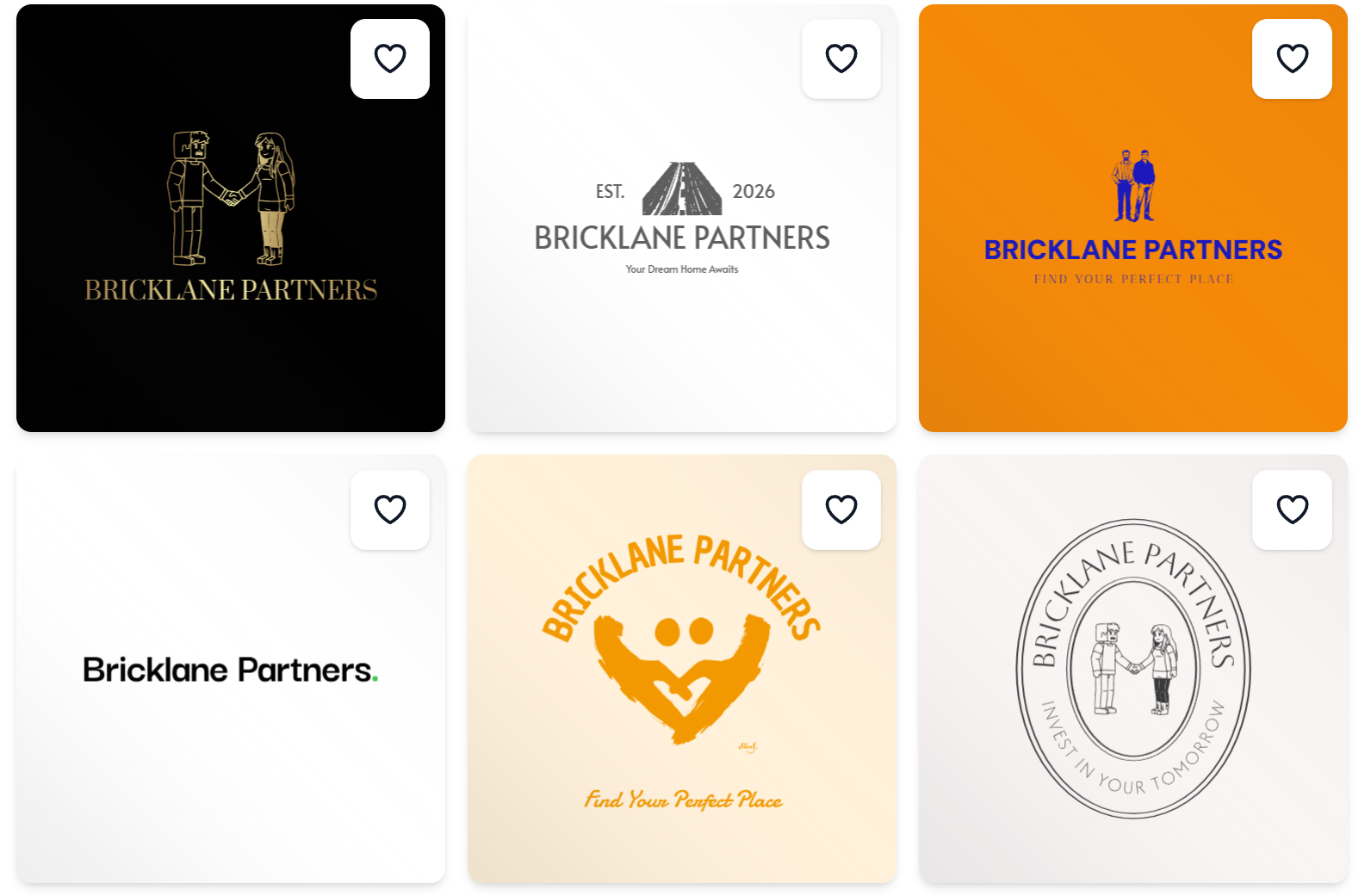
For real estate:
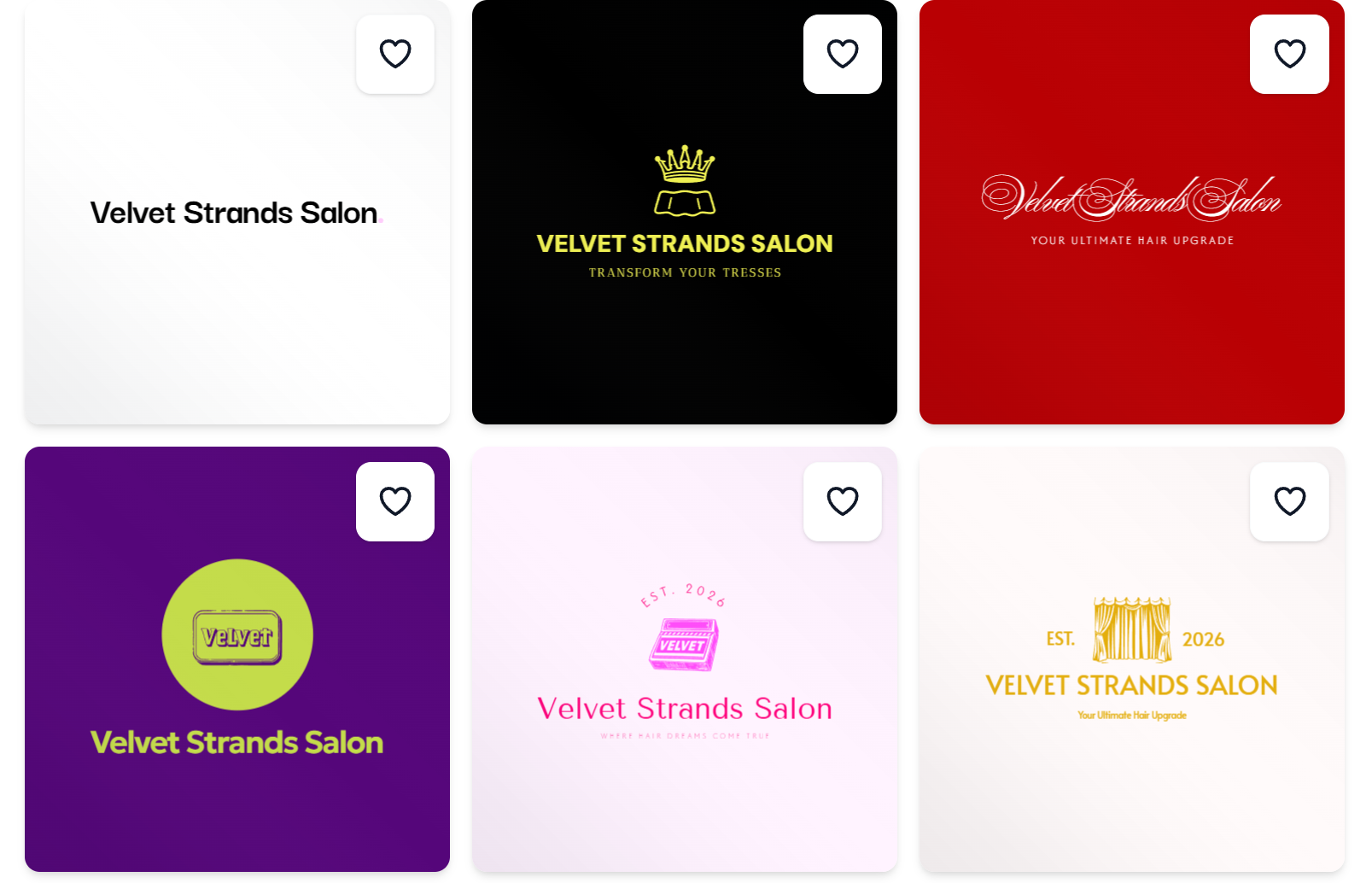
For the salon:
Why it’s a good alternative
- Quick to start
- Accessible for non-designers
- Useful for early concept development
Free tier note: Helpful for early exploration
Customization note: Adequate for simple refinement, but not standout
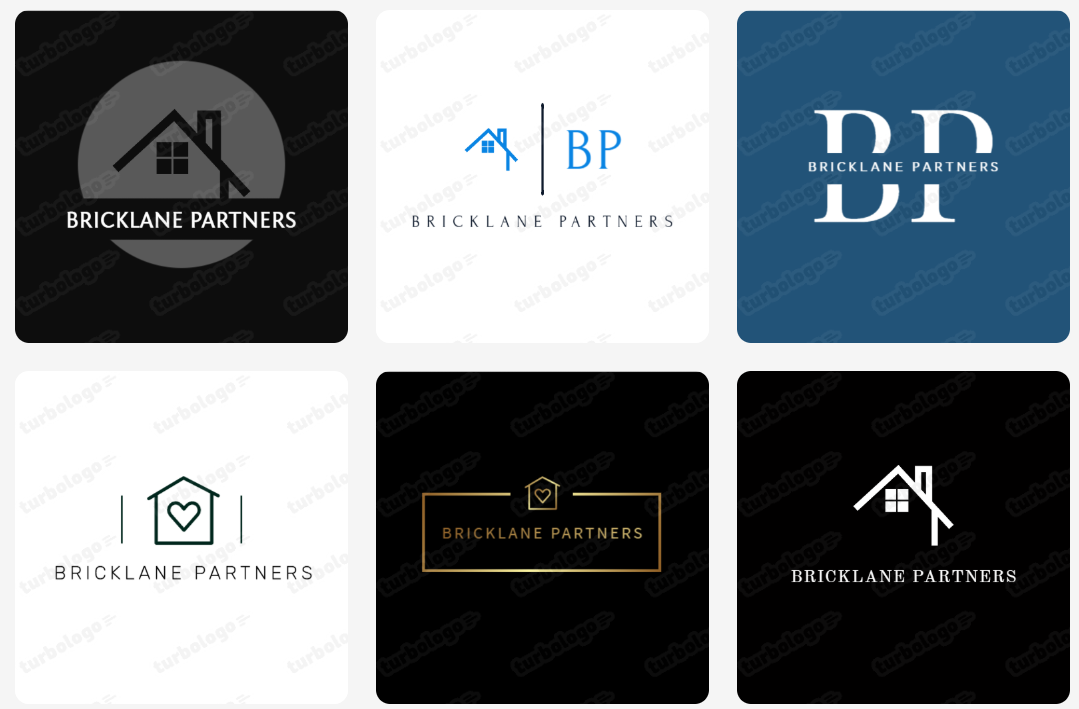
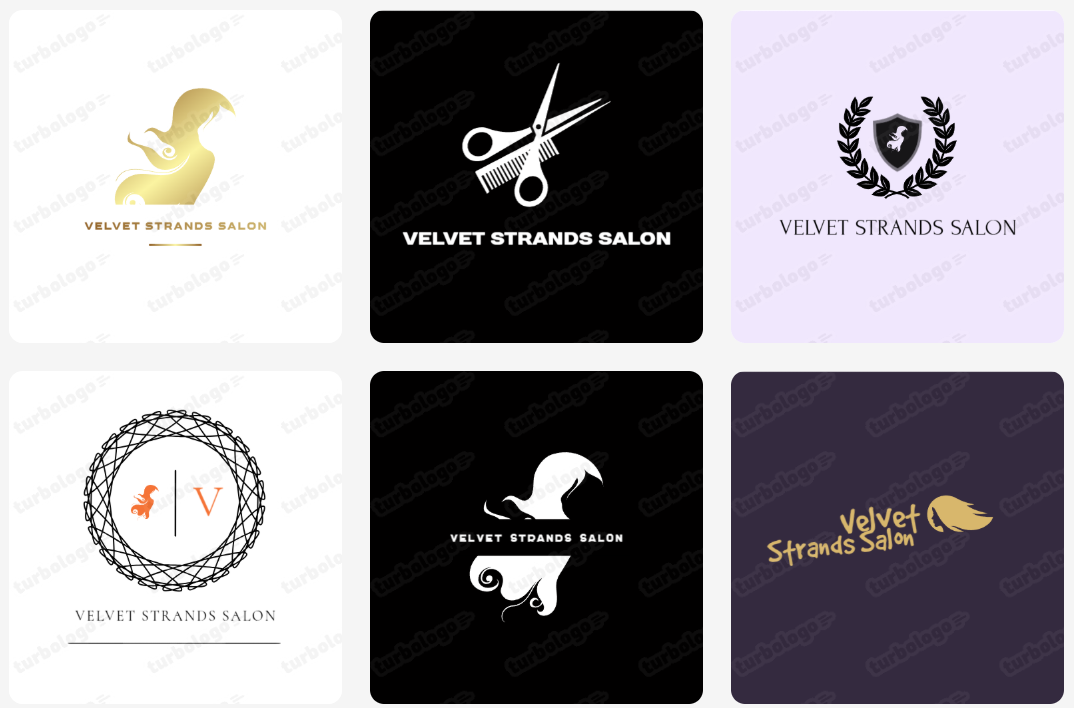
9. Turbologo
Star rating: 3.9/5
Price: Free to try with paid downloads
Best for: Quick concept testing
Verdict: A workable logo generator for trying several directions fast
Turbologo is best viewed as an experimentation tool. It can help startups compare a few directions quickly and get visual momentum. It is less compelling as a long-term platform for teams that want richer branding extras or more advanced file flexibility.
For instance, these are samples of their gaming logo: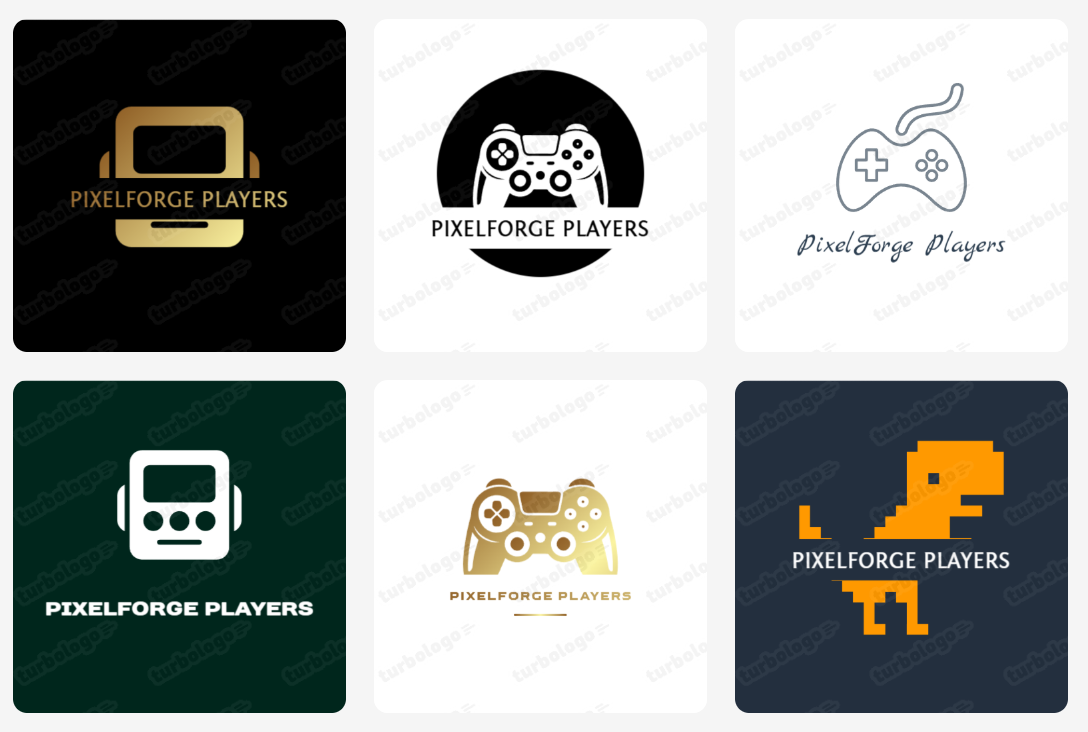
Real estate logos:
Salon logos:
Why it made our list
- Fast concept generation
- Straightforward workflow
- Useful when testing multiple ideas quickly
Free tier note: Fine for previewing and comparing concepts
Customization note: More limited than the leaders in this category
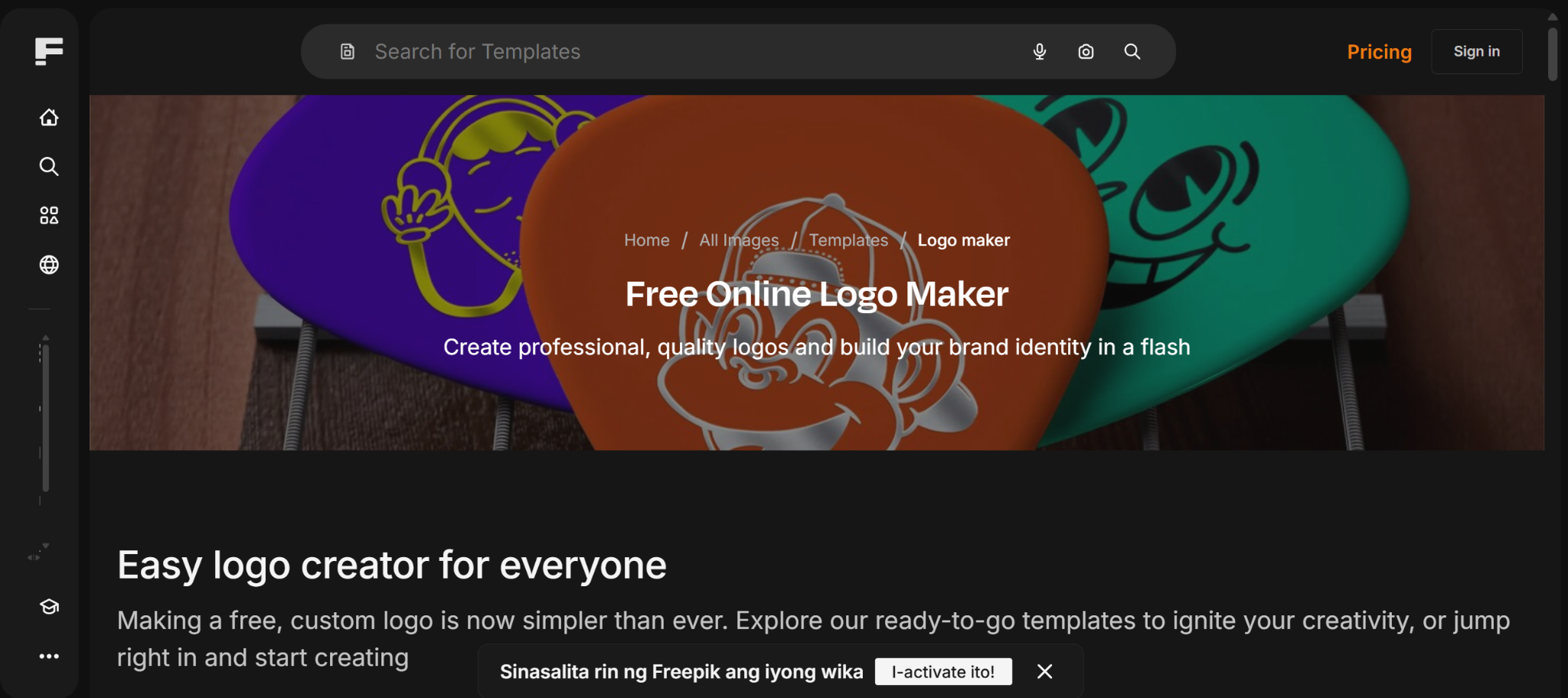
9. Freepik Logo Maker
Star rating: 4.0/5
Price: Free to try with optional paid access across creative tools
Best for: Founders who also want access to wider creative assets
Verdict: Best for visual exploration if your workflow extends beyond logos
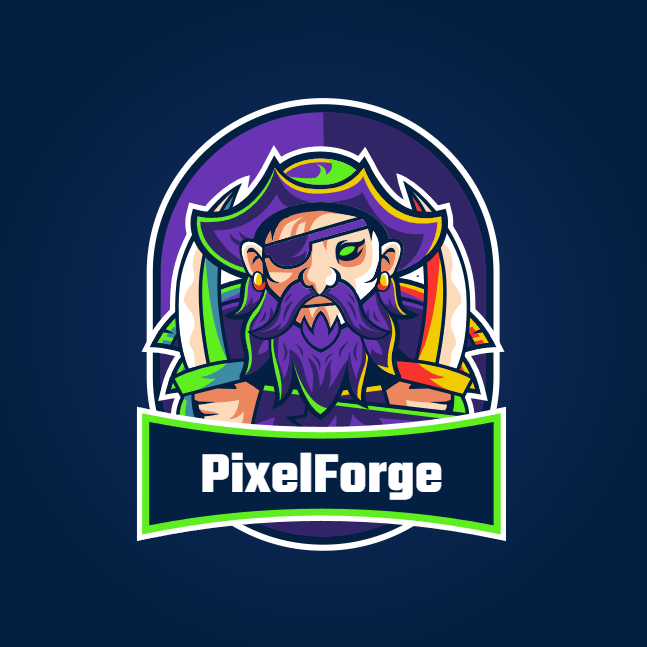
Freepik Logo Maker stands out most for founders who already think in terms of broader creative assets. If logo work is part of a larger process that includes graphics, illustrations, and visual experimentation, it can be a useful addition. It is less startup-logo-focused than Design.com or BrandCrowd, but it still has value for creative-first teams.
Gaming:
Real Estate:
Salon:
Why it’s worth a try
- Good for broader creative experimentation
- Useful if logo design is only one part of a wider content workflow
- Friendly for visually driven founders
Free tier note: Good for early idea generation
Customization note: Better as a creative companion than a dedicated startup branding hub
FAQs About Free Logo Makers
What is the best free logo maker for startups in 2026?
Design.com is the strongest overall choice because it combines logo creation with broad branding tools, strong file format support, and startup-friendly scalability.
Can I use a free logo maker for a real startup brand?
Yes, but the best results come from tools that offer solid customization, commercial safety, and useful export formats for long-term brand use.
Which logo maker gives the best file formats for startups?
Based on the provided brief, Design.com and BrandCrowd stand out for broad support across vector, raster, and animated formats.
What should startups look for in a free logo maker?
Look for template range, ease of use, export flexibility, customization, commercial readiness, and whether the logo can extend into other brand assets.
Are AI logo makers good enough for gaming, real estate, and salon brands?
Yes, especially for early-stage startups. The key is choosing a tool that can handle different brand tones and still give you enough control to refine the result.
Final Verdict
If you want the best free logo maker for startups in 2026, Design.com is the clear winner. It offers the strongest overall mix of logo quality, customization, export flexibility, and startup-ready branding tools, making it more than just a place to generate a logo.
For founders who want to create a professional identity and then carry it across business cards, websites, social media, presentations, and other brand assets, Design.com delivers the most complete experience.
BrandCrowd is still a strong second choice for fast setup, and Adobe Express Logo Maker works well for lightweight experimentation, but Design.com stands out as the best platform for startups that want a logo they can build a real brand around.