


Here is something worth sitting with. Your team is probably not unproductive. They are productive at chasing context that should already exist, switching tabs to find a conversation buried in the wrong tool, and writing updates about work instead of doing it. That kind of productivity costs companies more than most leaders realize, and no amount of pressure fixes a system that was never designed to help people focus.
Gallup's State of the Global Workplace found that only 20% of employees feel genuinely engaged. The teams on the other side who don’t feel engaged are there because the tools around them create friction faster than people can work through it.
In this article, we will discuss the best workforce productivity tools for modern teams. So let’s begin.
Three Questions Worth Asking Before You Add Anything
When you pick a tool without knowing what problem it solves or whether you need it, that's when things mess up. And because of this, your tool stack keeps growing with unwanted tools. Three questions you can ask that cut through most of the noise before you look at anything specific.
- Does it create less work than it requires to maintain?
- Does it give people information they will use?
- Does it fit around how the team already works, or does the team restructure to use it?
The ones that pass all three tend to stick. The ones that fail even one tend to sit unused within sixty days. Building effective collaboration habits around the right tools matters as much as which tools you pick.
1. Communication and Collaboration
Flock
Ask any team what slows them down most, and fragmented communication sits near the top of every list. A decision made in a thread nobody else was added to. A file shared in one platform that references a conversation from another. Context that existed in someone's inbox and vanished the day they went on leave. These are not dramatic failures. They are the small daily frictions that add up to hours of lost time every single week.
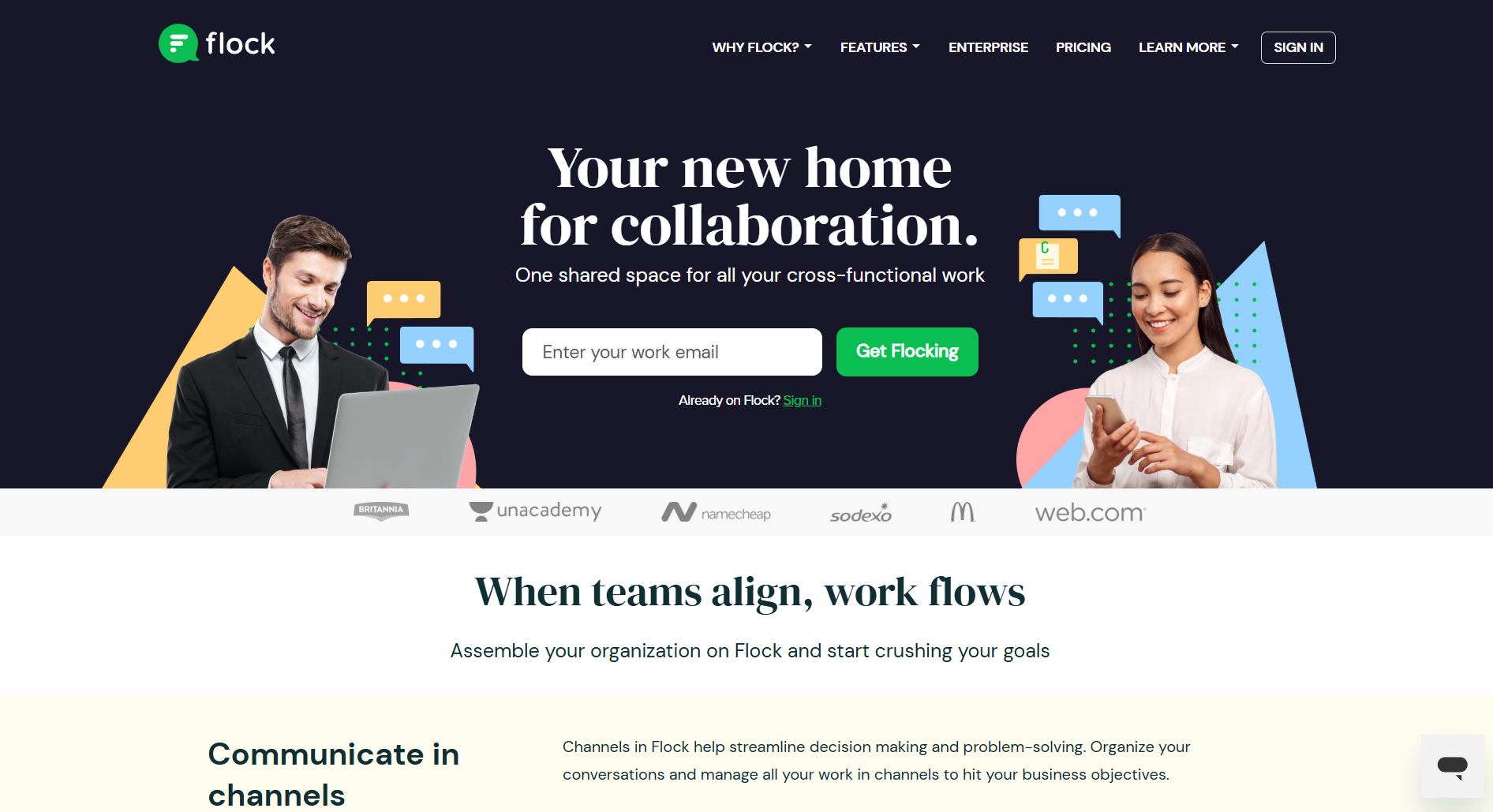
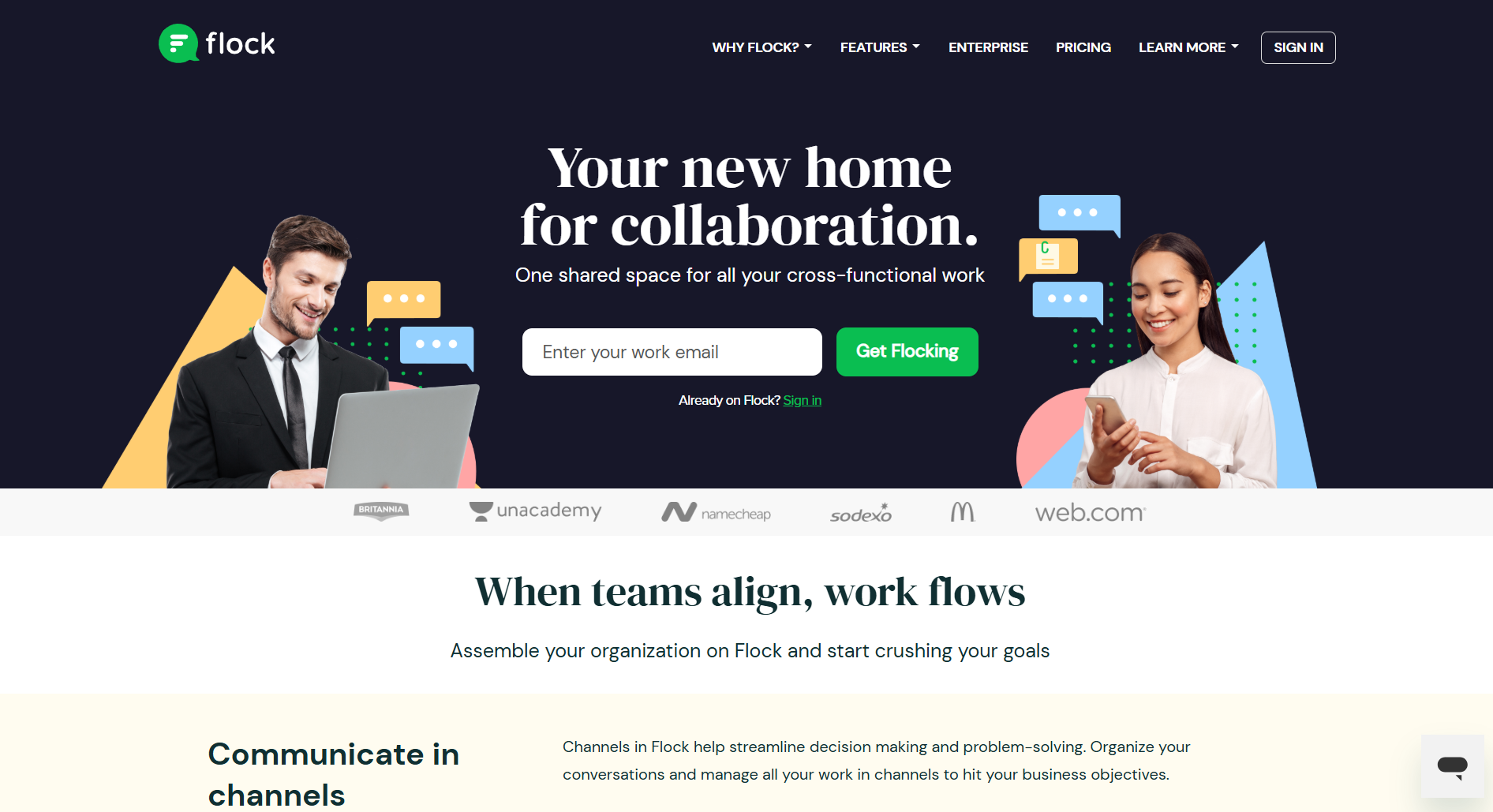
Flock was built on the idea that the tool people communicate in should also be the tool where work gets tracked and decisions get made. Channels organize conversations according to the team or the project. Video calls happen without opening anything else. To-dos live in the same channel where the work is being discussed, so tasks carry the context behind them rather than arriving as isolated line items on a list nobody checks.
For teams that have to constantly switch between five different platforms, the first week with Flock, you will observe a change because things begin happening in one place where everyone can see it.
Best for: Teams wanting communication, tasks, and collaboration in one place without the overhead of enterprise platforms.
Key features:
- Channel-based messaging and direct messaging
- Built-in video conferencing and screen sharing
- Shared to-dos with assignment and due dates
- 60+ integrations, including Asana, Trello, and Google Drive
- Polls, reminders, and note-sharing inside channels
DialMyCalls
 Ask any operations lead what happens when a shift change or safety alert needs to reach fifty people in the next two minutes, and chat apps start to show their limits. Not everyone has notifications on. Not everyone is logged in. And a message sitting unread in a channel does nothing for someone who's already walked out the door.
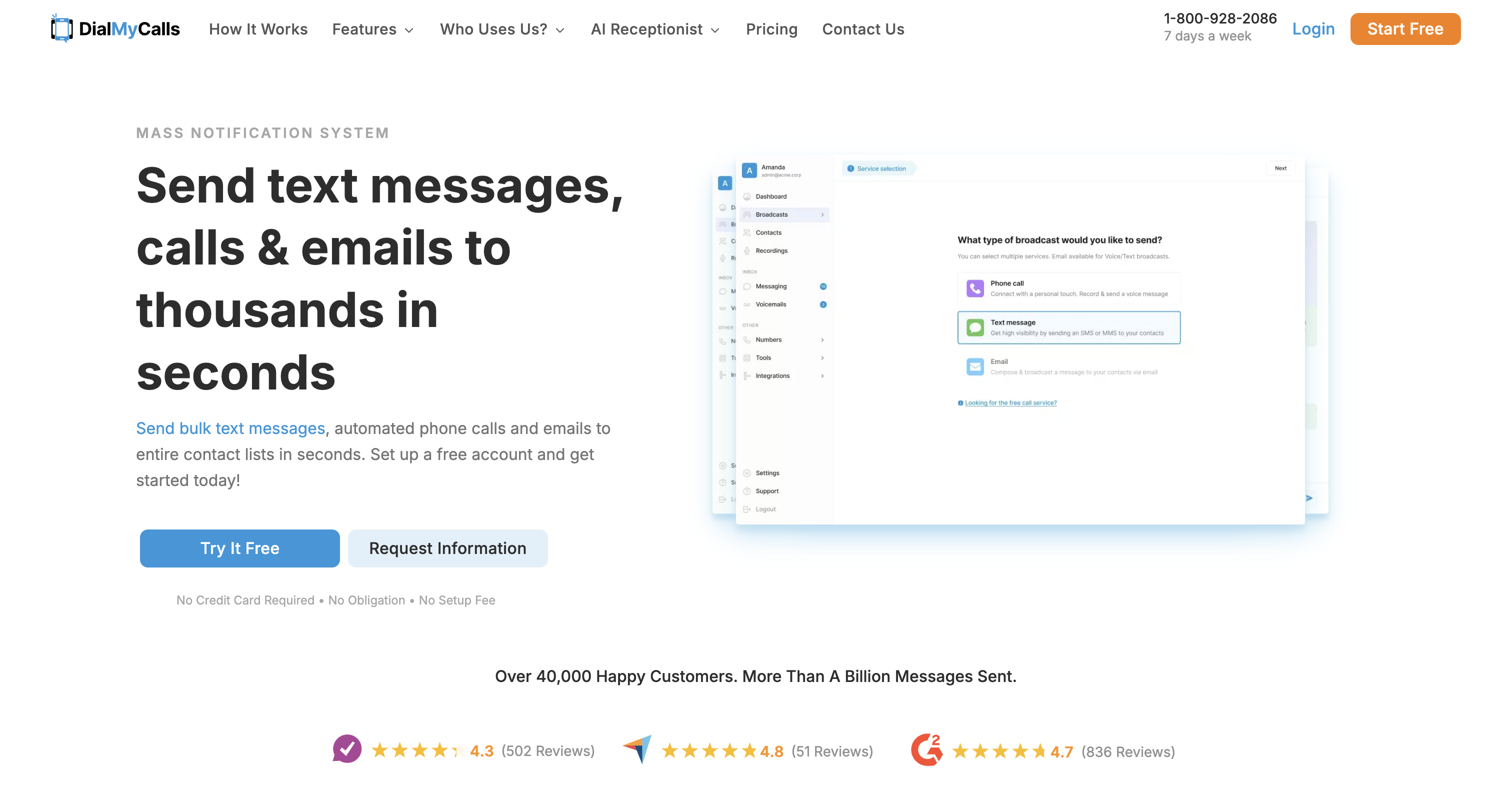
DialMyCalls was built around that exact gap. Rather than waiting for someone to open an app, it sends the message straight to a phone as a text or an automated voice call, so it lands whether or not the recipient is anywhere near a screen. Teams use it for shift coverage, safety alerts, appointment reminders, or any update where "I'll see it eventually" isn't good enough.
For teams already running Flock for day-to-day collaboration, DialMyCalls fills the one gap chat can't: reaching people who are offline, on the move, or simply not checking the app right now.
Best for: Teams that need a guaranteed way to reach everyone immediately, independent of whether they're logged into a chat app.
-
Mass SMS and automated voice broadcasts to entire contact lists
-
Two-way texting so recipients can reply or confirm receipt
-
Scheduled sends for reminders and recurring alerts
-
Delivery tracking to confirm who received the message
-
No app or login required on the recipient's end
2. Workforce Monitoring and Productivity Analytics
CurrentWare
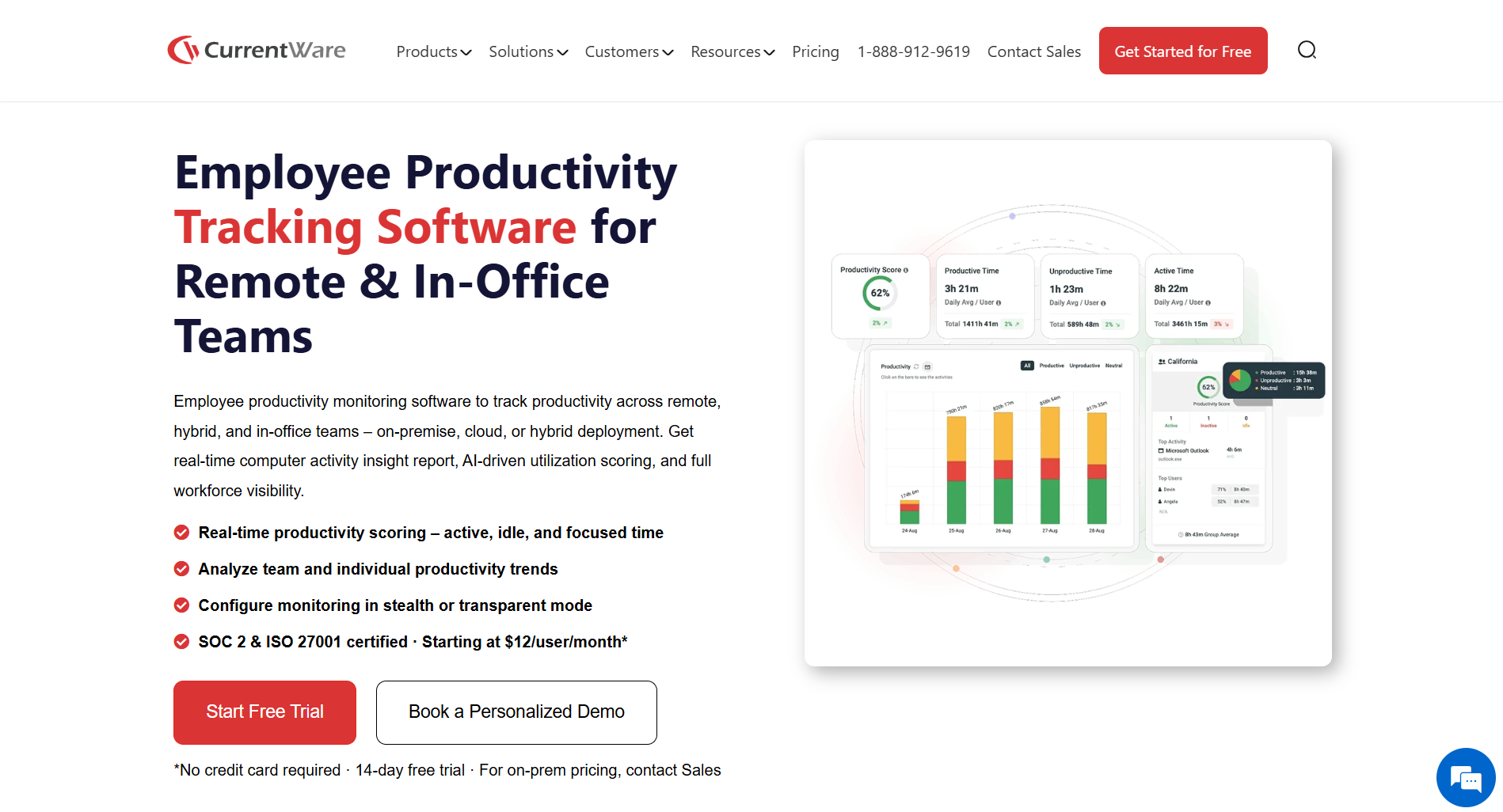
Most managers have a rough sense of how their team is performing. What they rarely have is actual data to back that sense up or challenge it when it is wrong. Depending on gut instinct about who is stretched thin and who has the capacity to do more is not a resourcing strategy. It is a guess. And guesses made at scale tend to create the exact problems they were meant to prevent. Tracking employee productivity starts with having the right data, not assumptions.
CurrentWare gives organizations real productivity insights and fact-oriented information on how work is distributed across remote, hybrid, and in-office teams. Web activity, application usage, and data transfers are tracked in real time. Managers stop working from impressions and start working from numbers they can act on.
For teams that handle sensitive data, the USB device controls and web filtering address security risks. For multi-site operations, the location-level reporting makes like-for-like comparisons possible.
Best for: Organizations needing productivity visibility and data security controls sitting on the same platform.
Key features:
- Real-time web and application activity monitoring
- USB device control and data transfer tracking
- Location-by-location reporting for multi-site teams
- Automated policy enforcement and access controls
- Audit logs for compliance requirements
Teramind
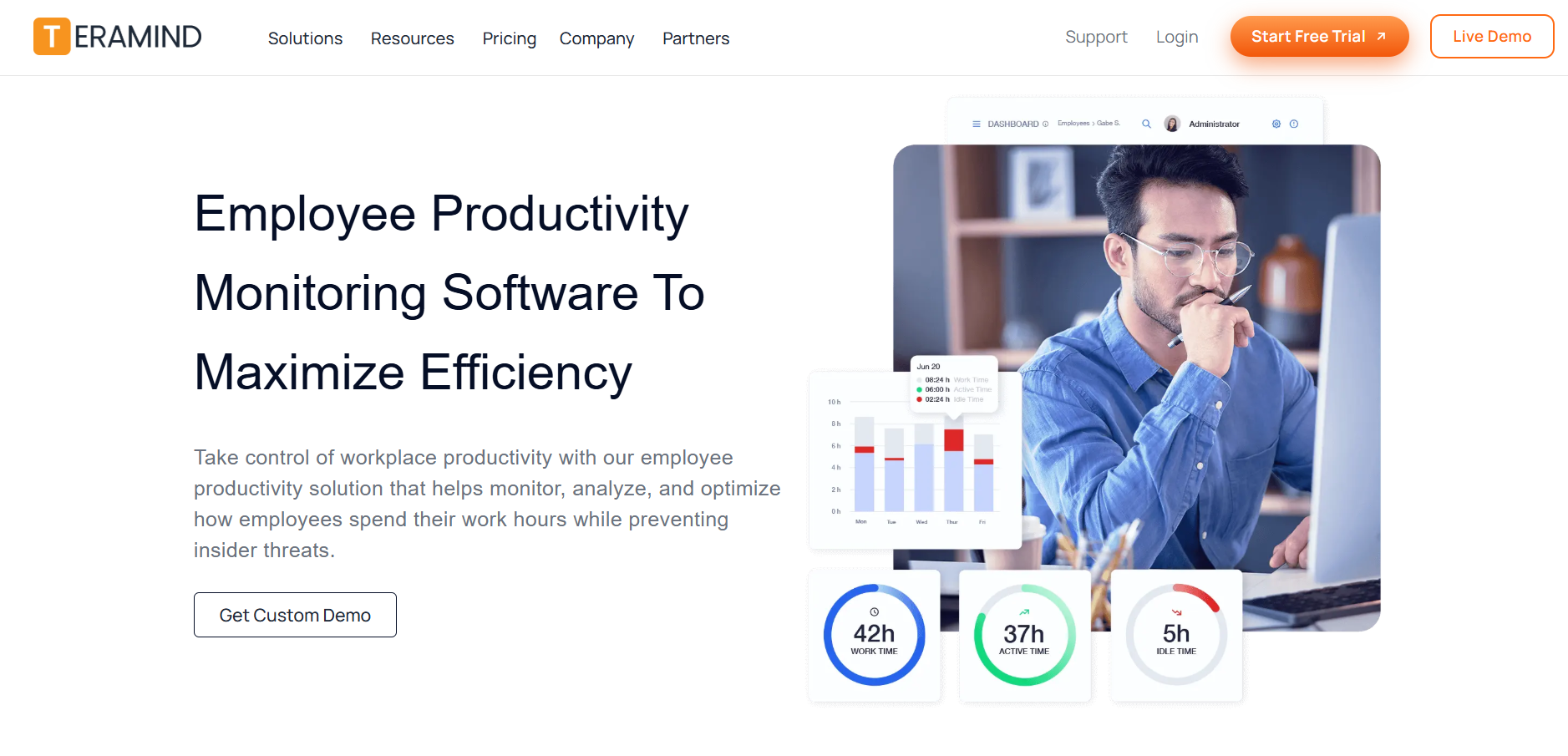
There is a meaningful difference between knowing someone worked eight hours and understanding whether those eight hours went anywhere useful. Activity logs answer the first question. Behavioral analytics answers the second.
Teramind builds a behavioral baseline for every employee and watches for deviations. A sustained drop in output. Unusual data access. A workload distribution problem compounded for three weeks without anyone flagging it. These show up in behavioral data long before they appear in a performance review.
For teams moving between office and remote working, Teramind's hybrid workforce management keeps the picture consistent regardless of where someone is sitting. Managers draw fewer conclusions from proximity and more from what the output data says.
Best for: Teams that need to understand why productivity is what it is, not just measure that it happened.
Key features:
- Behavioral baseline tracking with deviation alerts
- Insider threat detection alongside productivity analytics
- Consistent visibility across hybrid and remote teams
- Session recording and audit tools for compliance
- Productivity scoring and workload distribution reports
3. Time Tracking and Resource Management
Time Doctor
The traditional time tracking approach tells a manager that work happened. It does not show where time went, which projects are quietly running over, or whether two people on the same team are experiencing completely different levels of pressure. For distributed teams, that missing context is where problems breed undetected.
Time Doctor turns daily activity into something operational where time flows across projects. Which tools consume hours without delivering value? Which team members show early burnout signals weeks before it becomes a resignation nobody saw coming?
Making employee data visible to the employees themselves changes how the tool lands entirely. People stop feeling monitored and start using the data to understand their own patterns. Adoption stops being a battle.
Best for: Distributed and hybrid teams where visibility into how work flows matters as much as tracking that hours were worked.
Key features:
- Task-level time tracking with project allocation
- Productivity trend analysis and software usage reports
- Early burnout indicators from work pattern data
- Payroll and billing integrations
- Employee-facing data access for self-management
Paymo
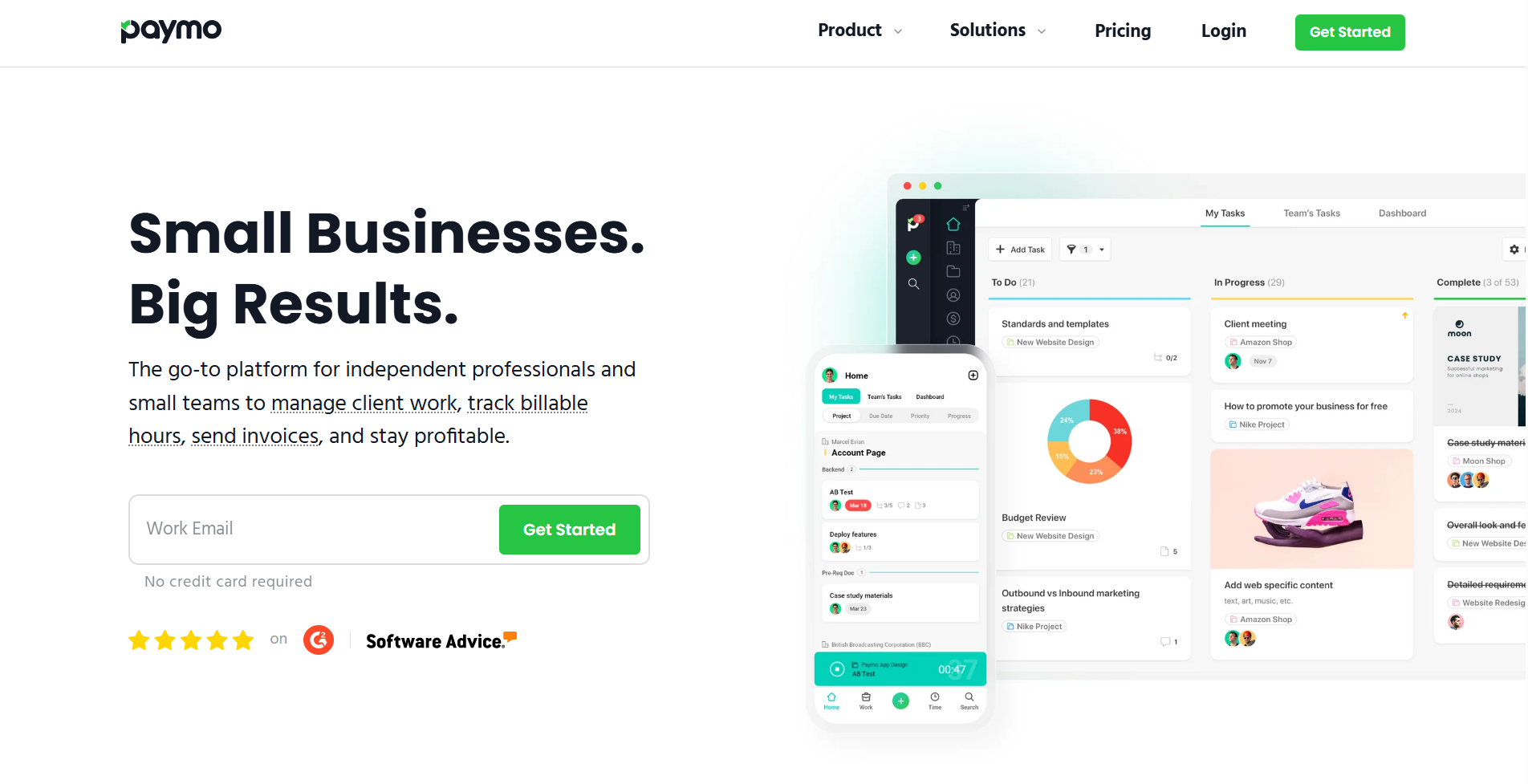
Most agencies and consulting firms lose money in the gap between logged time and sent invoices. Hours get tracked somewhere. Invoices get built manually. Someone reconciles them before the billing run and finds the discrepancies. Margins decrease in small increments. The goals cannot be achieved as expected. This only becomes visible when the monthly numbers come in, and they are worse than expected again.
Paymo closes that gap by connecting tracked time directly to client invoices without any manual work required. Gantt and Kanban views keep projects visible. This is necessary so that deadlines aren’t missed. A dedicated client portal handles deliverable review without routing everything through email chains that nobody can search six months later.
Best for: Agencies and professional services teams that track time against client work and need invoicing to flow automatically from that data.
Key features:
- Time tracking with client and project assignment
- Invoicing generated directly from tracked time
- Gantt chart and Kanban project views
- Team scheduling and workload planning
- Client portal for deliverable review and approval
4. HR, People Management, and Engagement
OmniHR
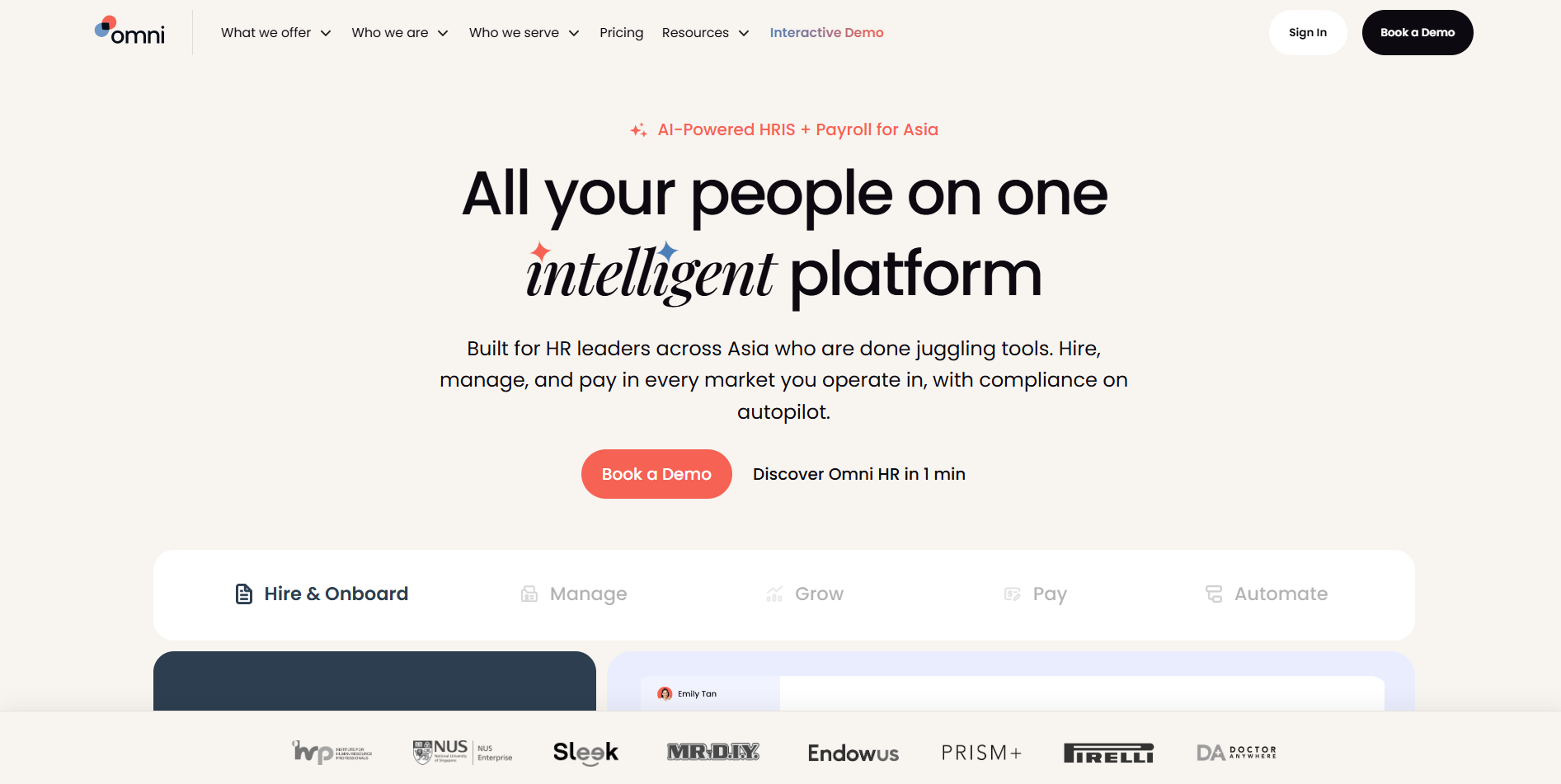
Growing teams almost always hit the same wall at some point. HR has been held together by a combination of spreadsheets, email threads, and institutional knowledge stored in the heads of two or three people. Then someone leaves. Or the team doubles in six months. Or an audit reveals that what worked informally does not hold up when it needs to be documented and repeatable.
Omni HR builds a proper foundation for people operations before that wall appears. Hiring, onboarding, performance conversations, leave, documentation, it all lives in one place. New people get the same experience regardless of who's managing that week, because the process doesn't depend on any one person remembering to follow it. Compliance gaps stop being a source of anxiety because the records are there, current, not split across three systems that nobody has complete access to, and nobody has full ownership of fixing.
Best for: Growing teams in APAC who want to manage multi-country payroll and HR matters in one, connected system.
Key features:
- Employee records and document management
- Onboarding workflows and task automation
- Performance review and goal-tracking tools
- Leave and attendance management
- Headcount and HR reporting
Confetti
Most productivity dashboards measure output. They track tickets closed, calls made, and targets hit. But they miss everything that holds a team together.
They don't capture what happens in the five minutes before a difficult conversation, the deep breath, the decision to be honest anyway. They don't see when one teammate quietly covers for another without being asked, without keeping score. They can't measure the specific texture of a team that genuinely likes each other: the way they find a path through something that would completely derail a group of strangers doing the exact same jobs.
That kind of cohesion doesn't announce itself. It just works, invisibly, every day.
And when it starts to fray, it doesn't send a warning. There's no alert, no dashboard tile that turns red. There's just a feeling, slow and hard to name, that something has shifted. Those conversations are a little more careful now. The room empties faster after meetings. That people are still doing their jobs, but something underneath the jobs has quietly changed.
Then the numbers start moving. And everyone looks at the numbers, trying to find the answer inside them, when the answer was left weeks ago, in a moment nobody logged, a dynamic nobody measured, a feeling everyone noticed but no one said out loud.
By the time you can see it, you're already behind.
Confetti gives HR and people teams a way to build that foundation deliberately instead of waiting for it to grow on its own. Virtual events, in-person experiences, different formats for different team sizes and budgets, the logistics and follow-up live inside the platform rather than scattered across an email thread that started in March, and nobody can find anymore.
The argument for investing here is not a soft one. How employees feel about their work shows up directly in retention rates, in whether quality holds under pressure, and in how quickly teams recover when something goes wrong. Confetti addresses the part of workforce performance that most productivity tools have decided is not their problem.
Best for: HR and people teams building structured engagement programs for distributed or hybrid workforces.
Key features:
- Catalog of virtual and in-person team events
- Budget management for activities
- Scheduling and logistics in one place
- Employee experience tracking and feedback
- Calendar and communication integrations
5. Workforce Analytics and Insights
Insightful
The conversations most managers dread are the ones where they have to justify a resourcing decision without data to back it. The instinct might be right. It also might be wrong in ways that compound quietly for months.
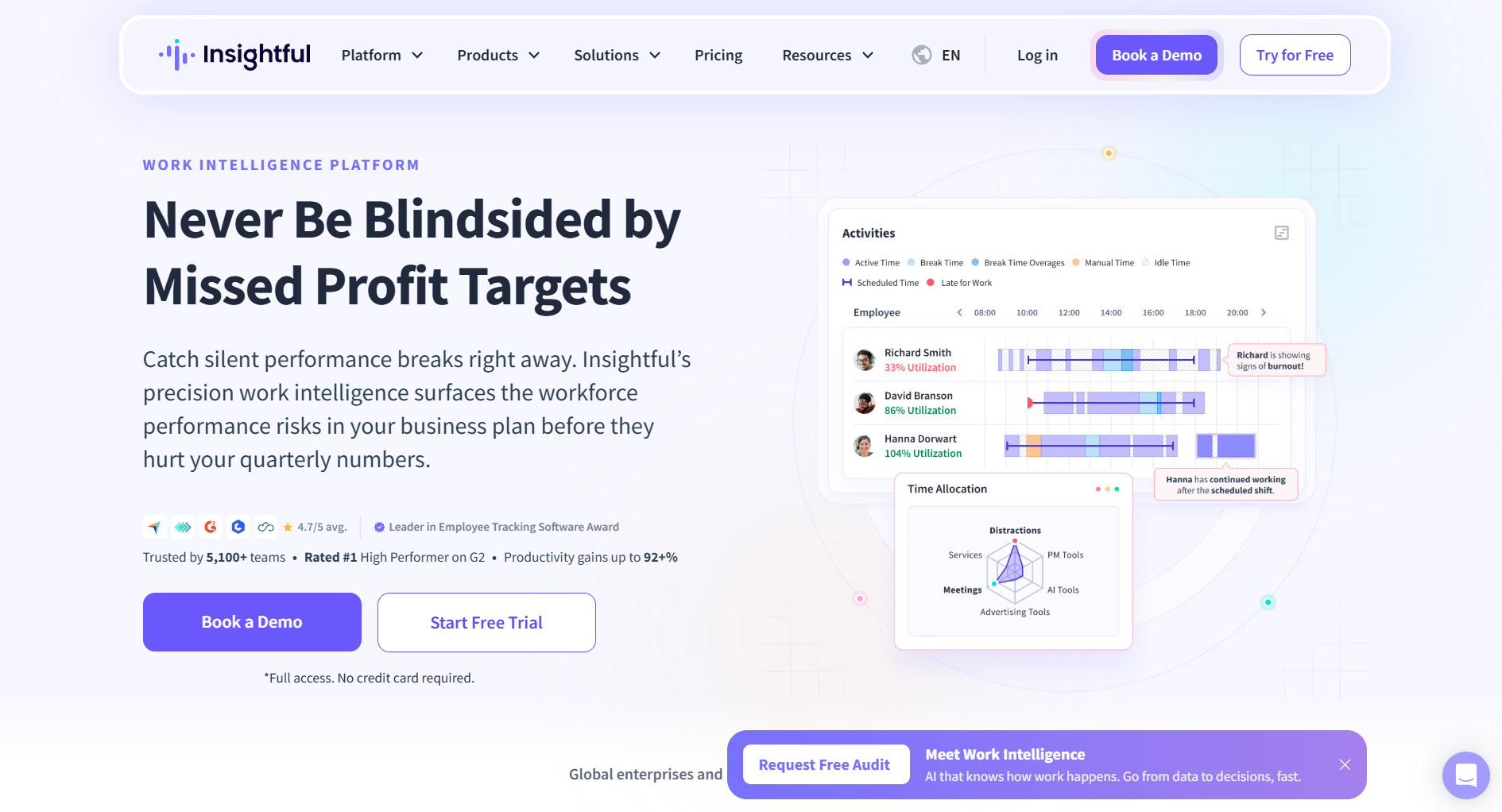
Insightful maps how time moves across applications, projects, and team members, and builds benchmarks from the patterns. When one location consistently outperforms another, there is something specific to investigate. When a project type consistently runs over estimate, that is a scoping conversation, not just bad luck.
For teams looking at where AI-powered automation can reduce workflow overhead, Insightful provides the usage baseline that makes those decisions defensible.
Best for: Operations and management teams that want resourcing and planning decisions backed by data rather than feeling.
Key features:
- Automatic time mapping across apps and websites
- Team and individual productivity benchmarks
- Location and department comparison reporting
- Attendance and schedule compliance tracking
- Workload balance analysis for burnout prevention
How the Stack Fits Together
Individual tools are easy to evaluate. How they connect is where most stacks fall apart. A time tracking platform that cannot talk to project management creates reconciliation work. A monitoring platform that holds data in isolation forces managers to check dashboards instead of acting on signals that should surface automatically.
A stack that functions as a system covers four things:
- Communication and coordination: where decisions get made and stay findable
- Visibility and analytics: where managers understand how work moves and where it stalls
- Time and resource tracking: where effort and output connect measurably
- People and culture: where the conditions for sustained performance get built deliberately
Start with the category where friction is worst. Get that working. Build from there.
Tools Do Not Fix Everything. But They Fix More Than People Think.
The gap between a team that works well and one that is constantly catching up is rarely about effort. It is almost always about whether the environment around the team makes the right things easy or hard. Better tools do not turn a broken team into a high-performing one. They remove the obstacles that stop a capable team from showing what it can do.
Flock handles the communication and coordination layer that underpins everything else. When information flows cleanly, and work stays visible in one place, every other tool in the stack performs better because of it.
Try Flock with your team and see what happens when the tools finally stop getting in the way.